
Theatres · seat planner
Theatre seating charts, numbered the classic way
Start from a theatre hall with the stage in place, shape stalls, balcony and boxes, and rows are numbered the way theatres do it.
Free during the beta. Leave your email and we send you an invite to register.
Built for theatres
Stage in place
The stage anchor shows the audience which way everything faces.
Roman or lettered rows
Rows I, II, III or A, B, C, seats numbered from the left or the right.
Curved rows
Bend whole sections into arcs that follow the stage.
Ready for ticketing
Every seat in the SVG export has a stable id, its section and a status; the JSON export holds the whole plan, row and seat labels included, for your ticketing system.
How to make a theatre seating chart in seatorio
- 1
Start from the hall
Open the Theatre theme and pick the Theatre hall template, or place the stage on an empty plan. A scan or screenshot of your existing seating plan can sit underneath as a background image.
- 2
Shape stalls, balcony and boxes
Draw a section for each part of the house, fill it with rows of seats and bend the rows into arcs that follow the stage. Give the balcony its own floor so you can view one level at a time.
- 3
Number rows and seats
Choose roman numerals, letters or numbers for rows, top to bottom or bottom to top, and number seats from the left, from the right or from both ends. Number a single row from a chosen start when a block continues across an aisle.
- 4
Mark special seats and export
Flag wheelchair places, accessible seats and restricted views, mark seats not for sale, then export the SVG and JSON for your box office or ticketing system.
What makes a theatre seating plan easy to sell
A theatre seating chart has two audiences: the person choosing a seat online and the usher showing them to it. Both need the same three things from the plan: where the stage is, which part of the house a seat is in, and how to find the row.
Name sections the way your house talks about them. Stalls, dress circle, balcony, boxes: if the box office says "balcony", the plan should not say "level 2". Give each section its own colour and, where prices differ, a category such as Stalls, Balcony or Box that your ticketing can price.
Draw the curve. Rows in most traditional houses bend around the stage, and a chart with straight rows makes side seats look better or worse than they are. In seatorio you can bend whole sections into arcs that follow the stage.
Be honest about the view. Mark restricted-view seats, wheelchair places and seats behind a pillar so buyers see them before they pay, and so the box office stops answering the same question. The theatre seating chart template has curved stalls in fourteen roman-numbered rows, a balcony and six boxes to start from.
Seat numbering in stalls, balcony and boxes
Theatres number seats in more ways than any other venue, and the chart has to match the tickets already printed for years. seatorio lets you set the scheme per section, so stalls, balcony and boxes can each follow their own rules.
Rows can be roman numerals (I, II, III), letters (A, B, C) or numbers, and you choose where they start and whether the first row is at the front or the back. Seats can run left to right, right to left, or from both ends towards the centre. Any single row can have a custom label, for example a front row your house has always called "AA".
Many halls continue the seat numbers across an aisle, so the right-hand block of row VII starts at 15. Select the seats of that row and number them from a chosen start; the rest of the section keeps its scheme. Boxes work the same way: each box is a small section with its own rows and seats.
Our theatre seat numbering guide walks through the common schemes and when to use each. Settle the numbering before you go on sale: the seat id your ticketing system stores is built from the section name, row and number.
What the export gives your ticketing system
seatorio does not sell tickets. It produces the seating chart your ticketing system or website shows to buyers. In the SVG export every seat is a clickable element with data attributes: a stable id, a uuid, its section and a status. Section outlines carry their name and category, and the JSON export gives every seat its row, number and label.
A developer attaches one click listener to the image, reads the seat's attributes and adds it to the basket. Sold or reserved seats are shown by changing the status attribute; the exported file already includes a small stylesheet that greys them out. Seats you mark as not for sale are greyed with a cross on the plan, and the JSON flags them so the ticketing system can skip them.
The JSON export holds the whole plan: sections, categories, floors, rows, seats with their numbers and accessibility flags, plus a uid for every seat. It can be imported back into seatorio for the next season. See how a seat map connects to online booking for the integration steps.
Who uses it
Theatres and opera houses replacing an old PDF chart with one their website can use. Concert halls and cultural centres with several halls and a mix of seated and unseated events. Ticketing companies that onboard new venues and need each one drawn and numbered consistently. Touring producers who need the chart of every house on the route. Schools, universities and community halls that put on a few shows a year and want reserved seating for the end-of-year show. Once the chart is right, it serves every production in the house: the drawing stays, and only the status of each seat changes from show to show.
If your hall exists only as a CAD drawing or a scanned PDF, our done-for-you service draws it for you and returns a numbered chart that matches your tickets. For cinemas and smaller screening rooms, see the cinema seat maps; for balls and galas held in a theatre or ballroom, see gala seating plans. Large houses can check seat limits on the pricing page.
Guides for theatres
Done for you
Send us the hall’s PDF or CAD drawing and we return the full, numbered seating chart.
Questions
Can I mark accessible seats?
Yes. Mark seats as wheelchair, accessibility or restricted view, and they get a badge on the plan.
Can my ticketing system read the plan?
The SVG export gives every seat a stable id, its section and a status as data attributes your developer can read on click; the JSON export carries the whole plan with row and seat labels.
Can seat numbers continue across an aisle?
Yes. Select the seats of one row and number them from any start, so the block after the aisle can begin at 15 while the rest of the section keeps its scheme.
Can the stalls and the balcony be numbered differently?
Yes. Each section has its own row and seat numbering, so stalls can use roman rows while the balcony uses letters.
Can I import my PDF or CAD seating plan?
No, seatorio does not import PDF or CAD files. You can upload an image of the plan as a background and draw over it, or send us the file and we draw the chart.
Can I block seats that are not for sale?
Yes. Mark a seat not for sale and it shows grey with a cross; the JSON export flags it so your ticketing system can skip it.
Does seatorio sell tickets?
No. seatorio draws and numbers the chart; your ticketing system sells the seats and updates their status on the exported map.
Other spaces
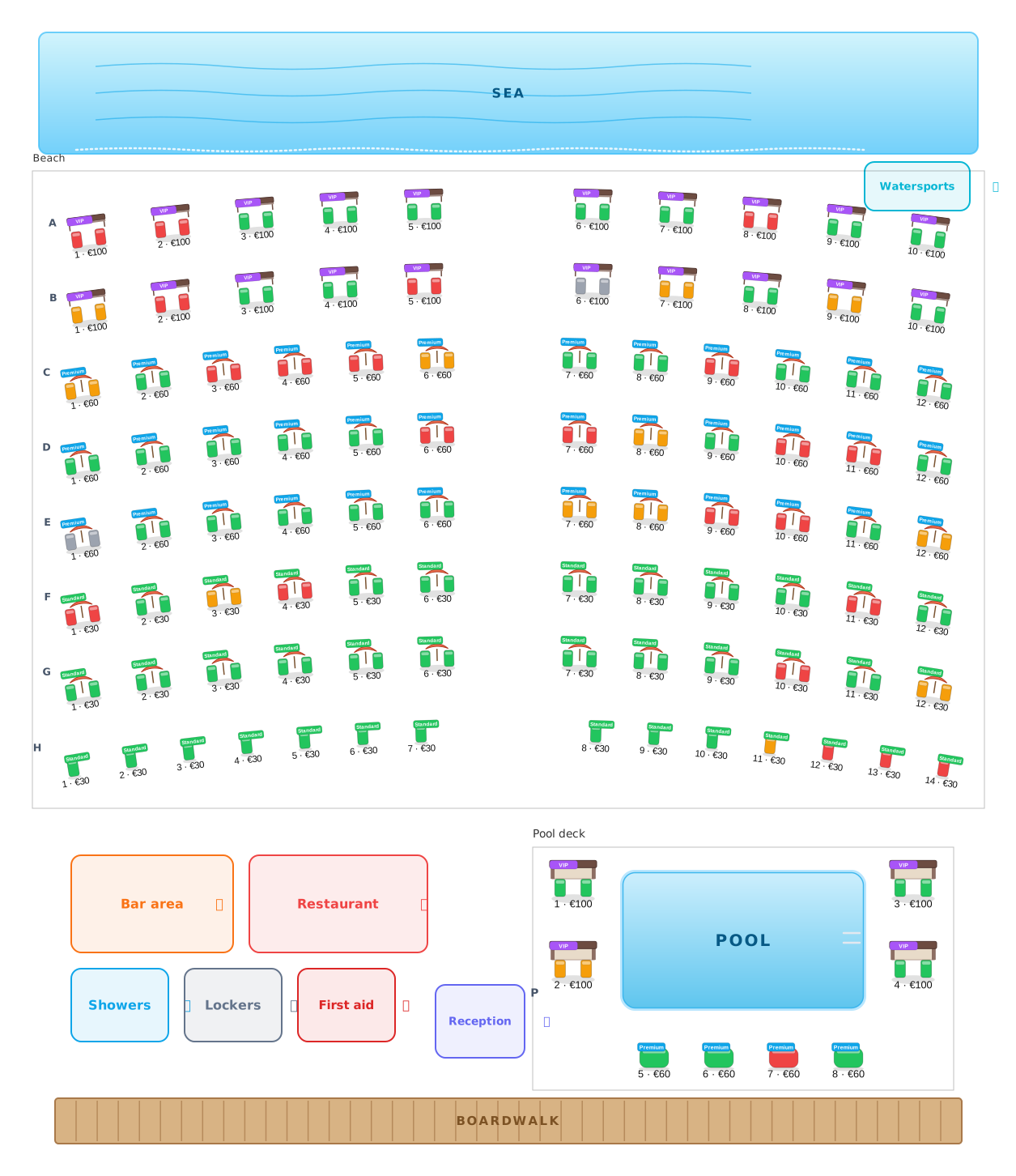 Beach clubs
Umbrellas, beds and cabanas, numbered and priced.
Beach clubs
Umbrellas, beds and cabanas, numbered and priced.
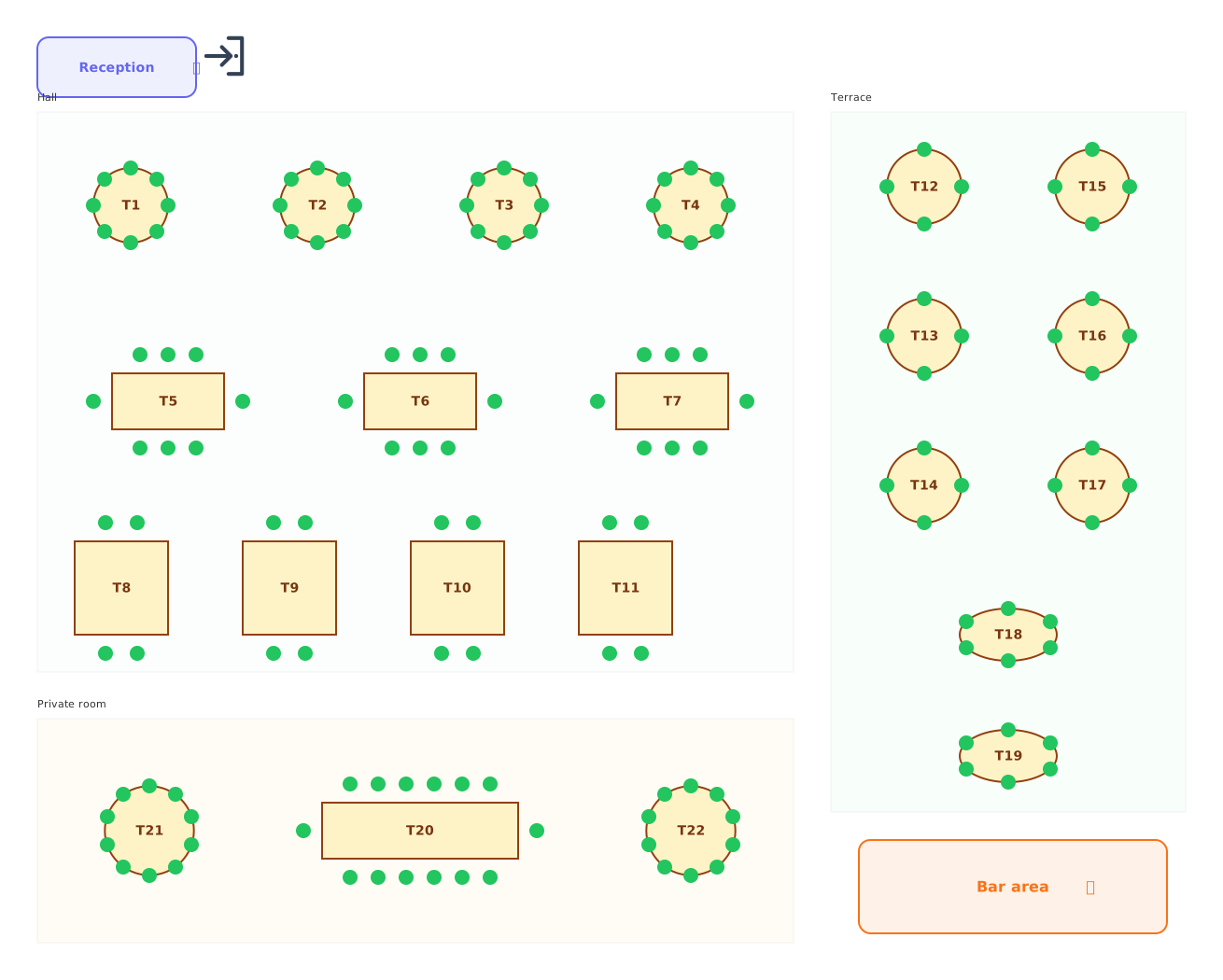 Restaurants
Tables of every shape with numbered chairs.
Restaurants
Tables of every shape with numbered chairs.
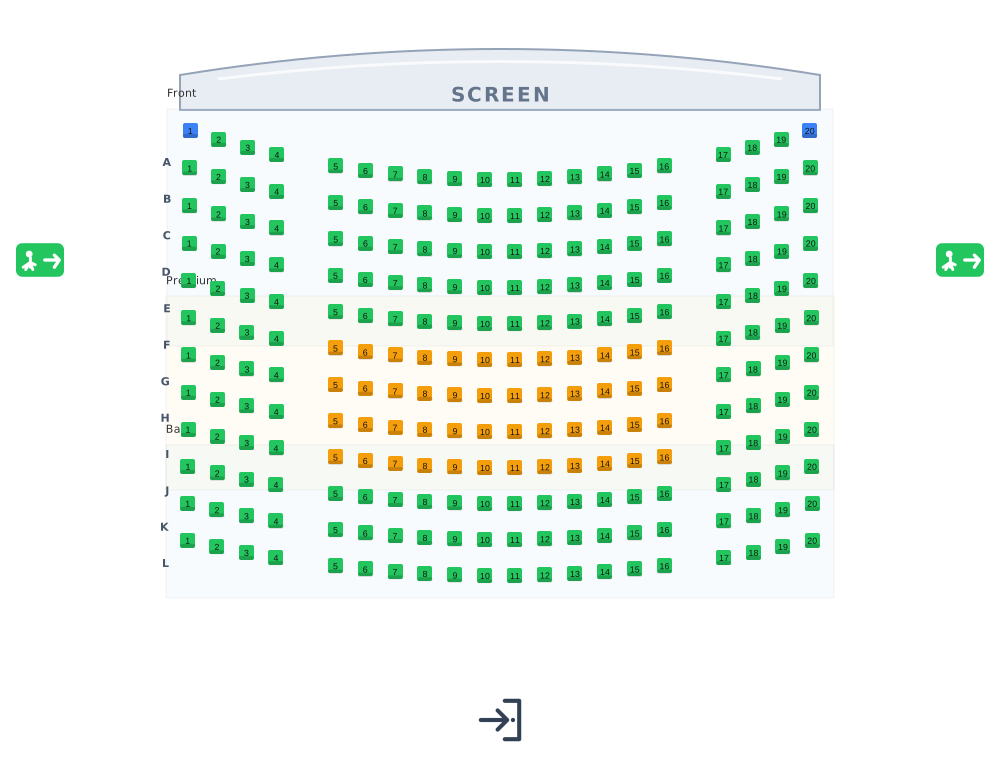 Cinemas
Lettered rows facing the screen.
Cinemas
Lettered rows facing the screen.
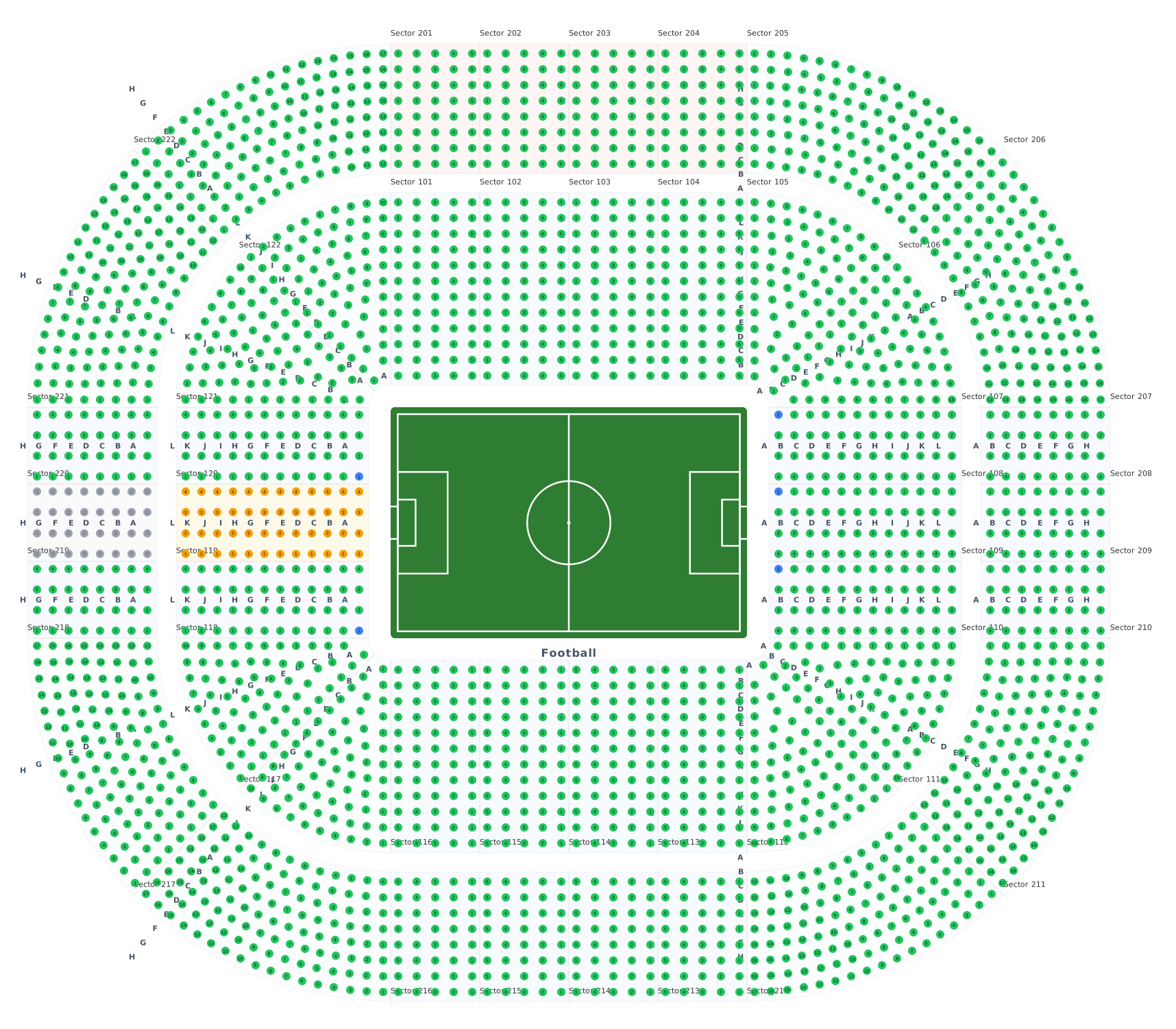 Stadiums & arenas
Stands around 8 ready sport courts.
Stadiums & arenas
Stands around 8 ready sport courts.
 Transport
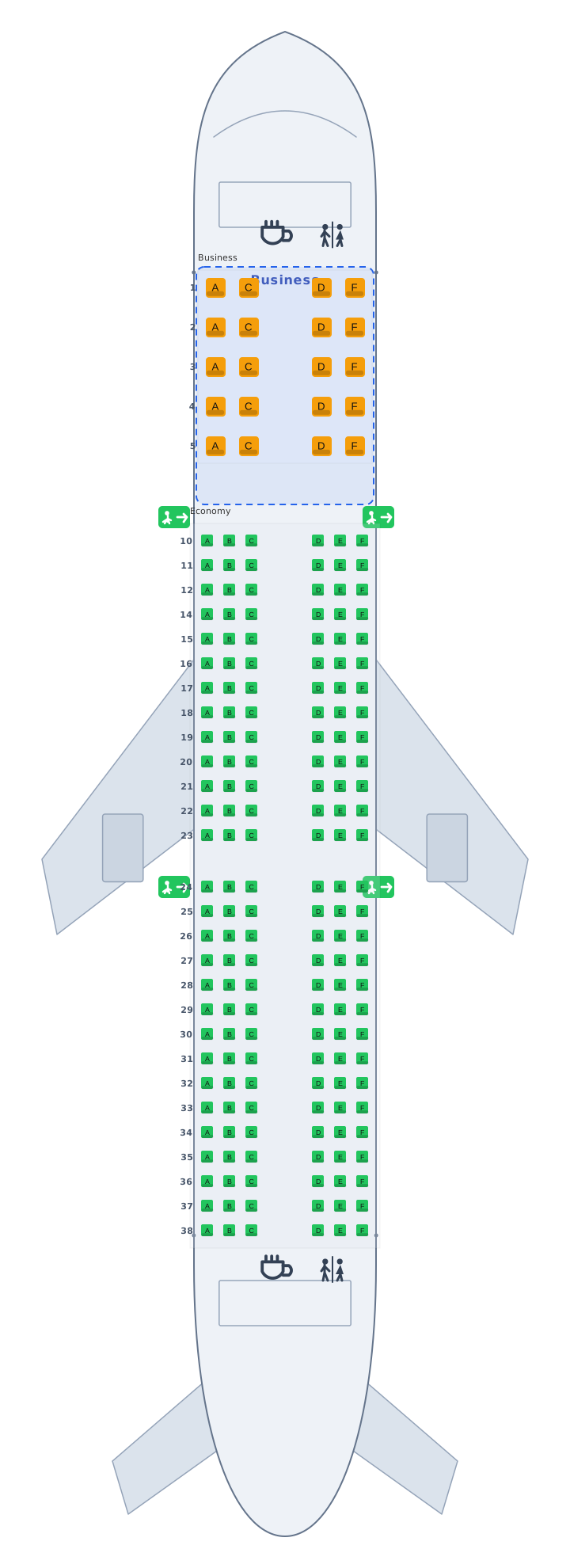
Airplane, train and bus cabins, seat 12A.
Transport
Airplane, train and bus cabins, seat 12A.
 Parking
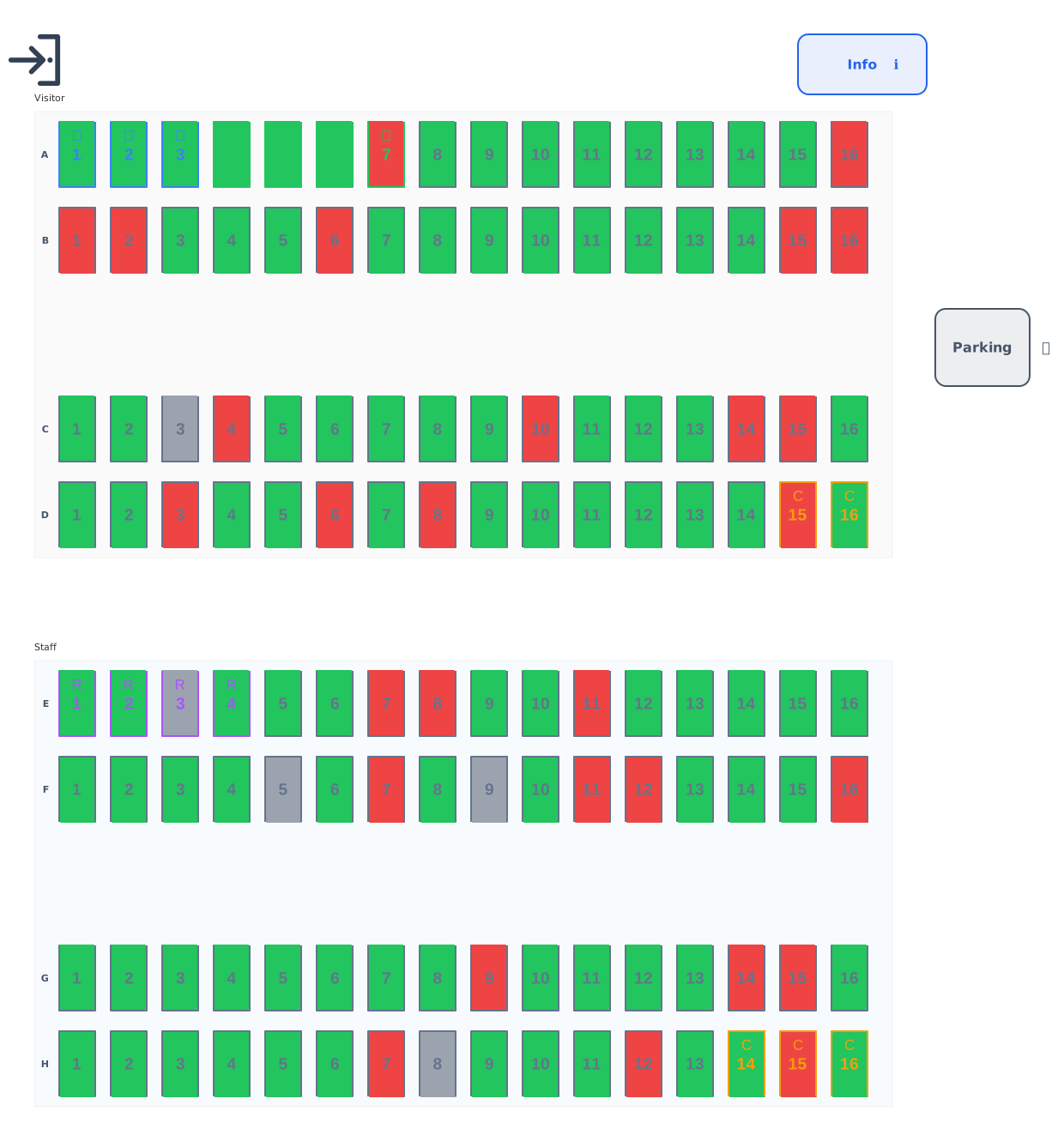
Standard, accessible, EV and reserved bays.
Parking
Standard, accessible, EV and reserved bays.
 Balls & galas
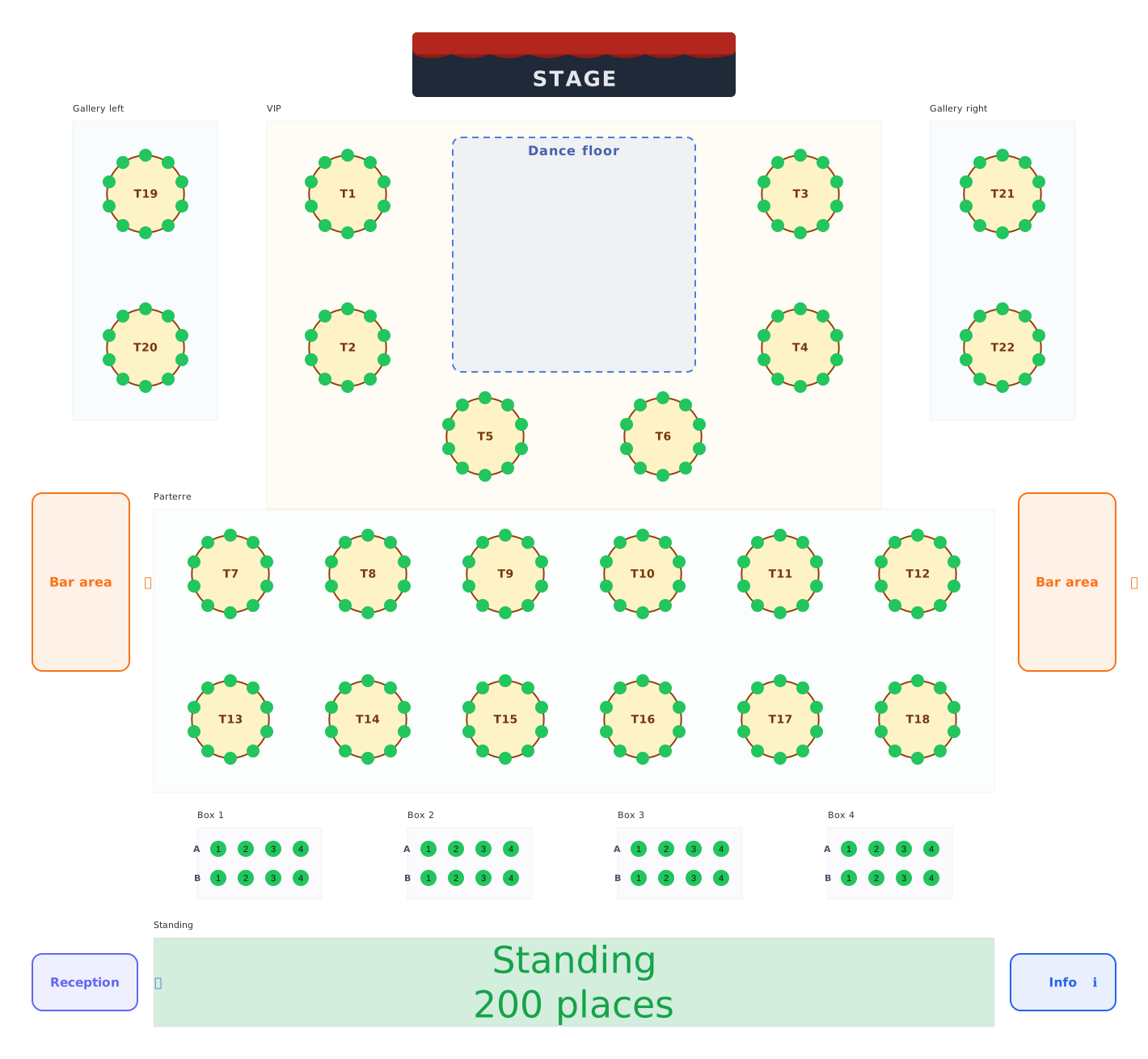
Balls, galas and festivals: tables, boxes and standing areas.
Balls & galas
Balls, galas and festivals: tables, boxes and standing areas.