
Cinemas · seat planner
Cinema seat maps for online seat selection
Begin with a cinema hall, the screen already placed, and lettered rows of seats you can resize, curve and split into front and back.
Free during the beta. Leave your email and we send you an invite to register.
Built for cinemas
Screen anchor
The screen sits on the plan so every seat map reads the right way round.
Lettered rows
Row A at the front, seats numbered across, the way cinema-goers expect.
Ready for online booking
Every seat in the export has a stable id and a status your booking page can switch from free to taken.
How to make a cinema seat map in seatorio
- 1
Open a cinema hall
Pick the Cinema theme and start from the Cinema hall template with the screen already placed, or put the screen on an empty plan.
- 2
Set rows and blocks
Draw a section for each block between the aisles, fill it with rows and curve them gently towards the screen. Duplicate a row to add one more of the same width.
- 3
Letter the rows, number the seats
Rows are lettered A, B, C from the screen by default and seats are numbered across. Mark wheelchair places and seats that are not for sale.
- 4
Export for seat selection
Export the SVG for your booking page and the JSON for your system. Duplicate the plan from your plans list to start the next hall.
What makes a cinema seating plan easy to book
Online seat selection happens on a phone, in a few seconds, often in the dark of a foyer. A cinema seat map has to make three things obvious: where the screen is, which seats are free, and which row is which. Anything more is noise.
Put the screen at the top and keep it there. Every hall in a multiplex should face the same way on screen, so regulars do not have to reorient themselves when they switch halls.
Split the hall where it is really split. If aisles divide the room into a left, centre and right block, draw them as separate blocks so the gaps show on the map. Buyers looking for an aisle seat can then find one, and a group of six can see where six seats fit together.
Show the seats that matter: premium or recliner rows, wheelchair places with room for a companion, and seats you hold back. In seatorio you give a premium block its own section and category, flag wheelchair and accessible seats with a badge, and mark seats not for sale. The cinema seating plan template has twelve lettered rows in three blocks, a premium centre and wheelchair places at the front.
Row letters and seat numbers that match the tickets
Cinema-goers expect row A at the front and seat 1 on the left as they face the screen. seatorio uses that as the default for cinema plans: rows are lettered from the screen back, seats are numbered left to right, and the label on the ticket reads like "F12".
Your hall may differ, and the map should match what is painted on the seats. You can letter rows from the back instead, start at a different letter, switch to numbers, or number seats from the right. A row with a special name, such as a sofa row at the back, can have its own custom label.
When three blocks share a row letter, decide whether seat numbers run across the whole row or restart in each block. Both work; what matters is that the map and the signage agree. To continue numbers across an aisle, select the seats of a row in the right-hand block and number them from the next value.
Once a hall is on sale, keep its numbering. The seat id that your booking system stores is built from the section, row and number, so renumbering creates new ids. For more on schemes, see the seat numbering guide, written for theatres but true for any lettered hall.
What your booking page gets
seatorio does not sell tickets or show live availability on its own. It gives your booking page the seat map to show. The SVG export makes every seat a clickable element with a stable id, a uuid, its section and a status. Your developer listens for a click, reads the seat id, looks up its row and number in the JSON export, and adds it to the order.
When a seat is sold for a screening, your system sets its status attribute and the seat changes colour. The same map works for every screening of that hall: the drawing stays the same, only the statuses change. The JSON export holds the full plan with categories and accessibility flags for your back office, and it can be imported back into seatorio when the hall is refitted.
The seat map for online booking guide explains the integration in plain steps, from the exported file to a working seat picker. Your developer only needs the SVG, one click listener and your booking system's own API.
Who it is for
Independent cinemas moving from first-come seating to booked seats, where regulars want to pick their favourite place before they leave home. Multiplex operators who want every hall drawn the same way. Open-air and pop-up cinemas that set up rows of chairs for a season. Ticketing and booking software companies who onboard cinemas and need a seat map for each hall. Film festivals that screen in borrowed halls and need a seat map for each venue in a few days. Schools and clubs that run a screening room and want to sell seats for special shows.
Each hall is its own plan, so a cinema with eight screens has eight plans; the Pro plan allows unlimited plans. If you would rather not draw them all, send us the halls and our done-for-you service delivers them with the same numbering throughout. Running a live stage too? See theatre seating charts, drawn with the same tools and numbered the theatre way.
Guides for cinemas
Done for you
Send us your halls and we draw them all, each with the same numbering.
Questions
I have several halls. Do I draw each one?
Each hall is its own plan. Start from the template or duplicate a finished hall from your plans list, adjust rows, and you are done, or let us draw them for you.
What format do I get?
An SVG seat map with data on every seat, plus a JSON file with the full plan.
Can I mark premium and wheelchair seats?
Yes. Put premium seats in their own section with a category, and flag wheelchair or accessible seats so they show a badge on the map.
Can row A be at the back?
Yes. Rows can be lettered from the front or from the back, start at any letter, or use numbers instead.
Does the seat map show live availability?
Not by itself. Every exported seat has a status attribute, and your booking system switches it as seats sell, so the map shows what your system knows.
Can I import my existing seating plan?
seatorio does not import PDF or CAD files. Upload an image of the plan as a background and draw over it, or send it to us and we draw it for you.
Other spaces
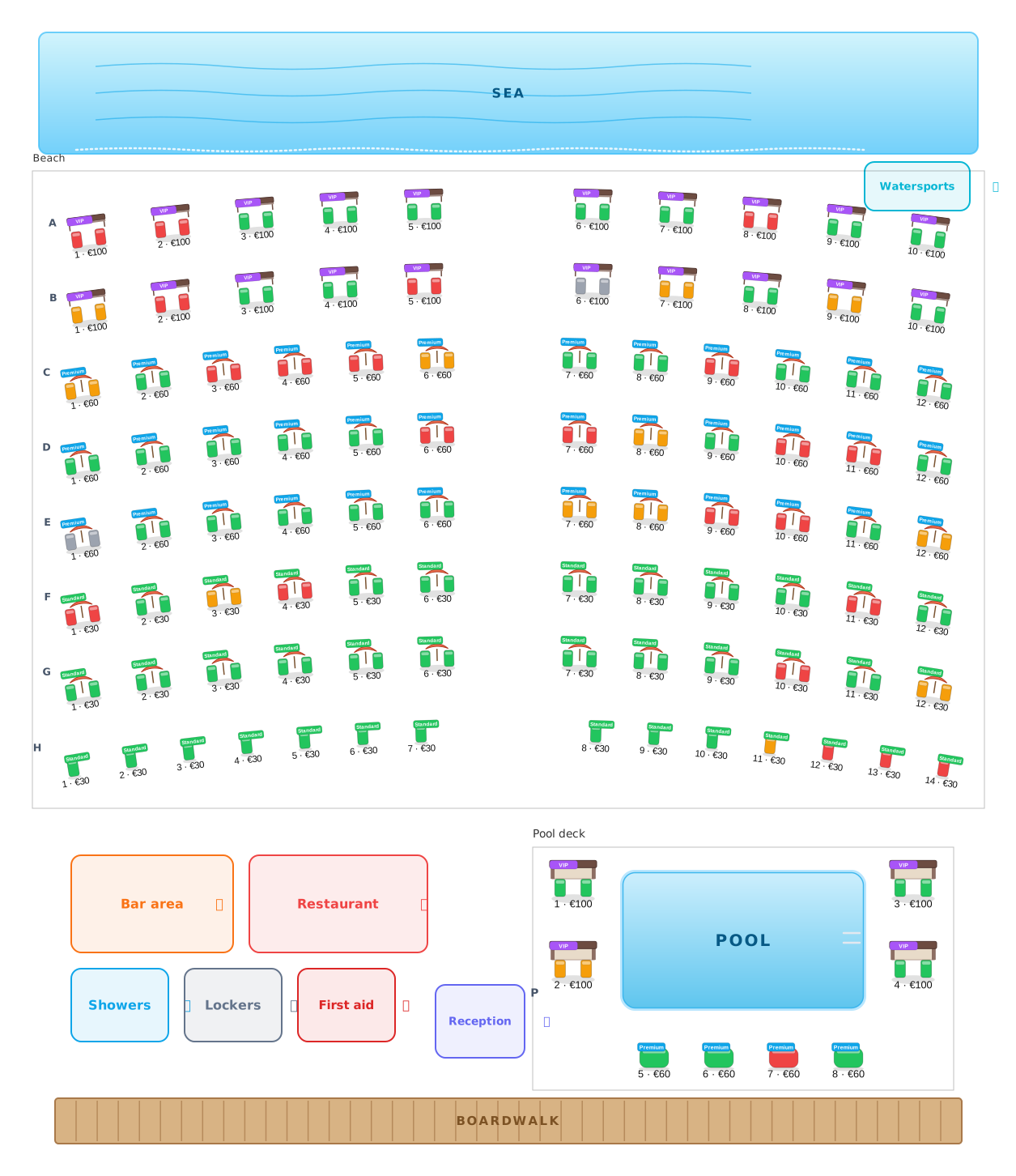 Beach clubs
Umbrellas, beds and cabanas, numbered and priced.
Beach clubs
Umbrellas, beds and cabanas, numbered and priced.
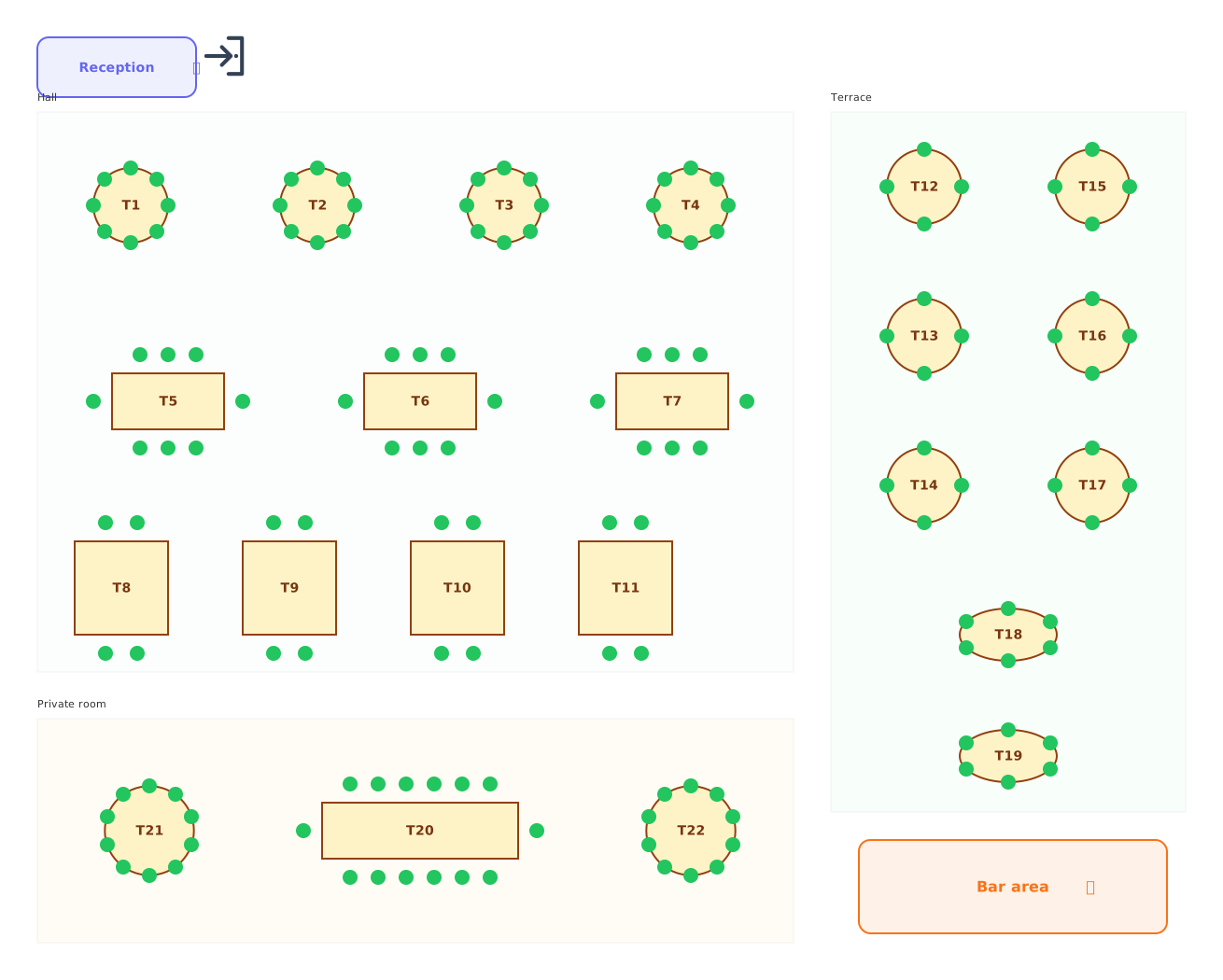 Restaurants
Tables of every shape with numbered chairs.
Restaurants
Tables of every shape with numbered chairs.
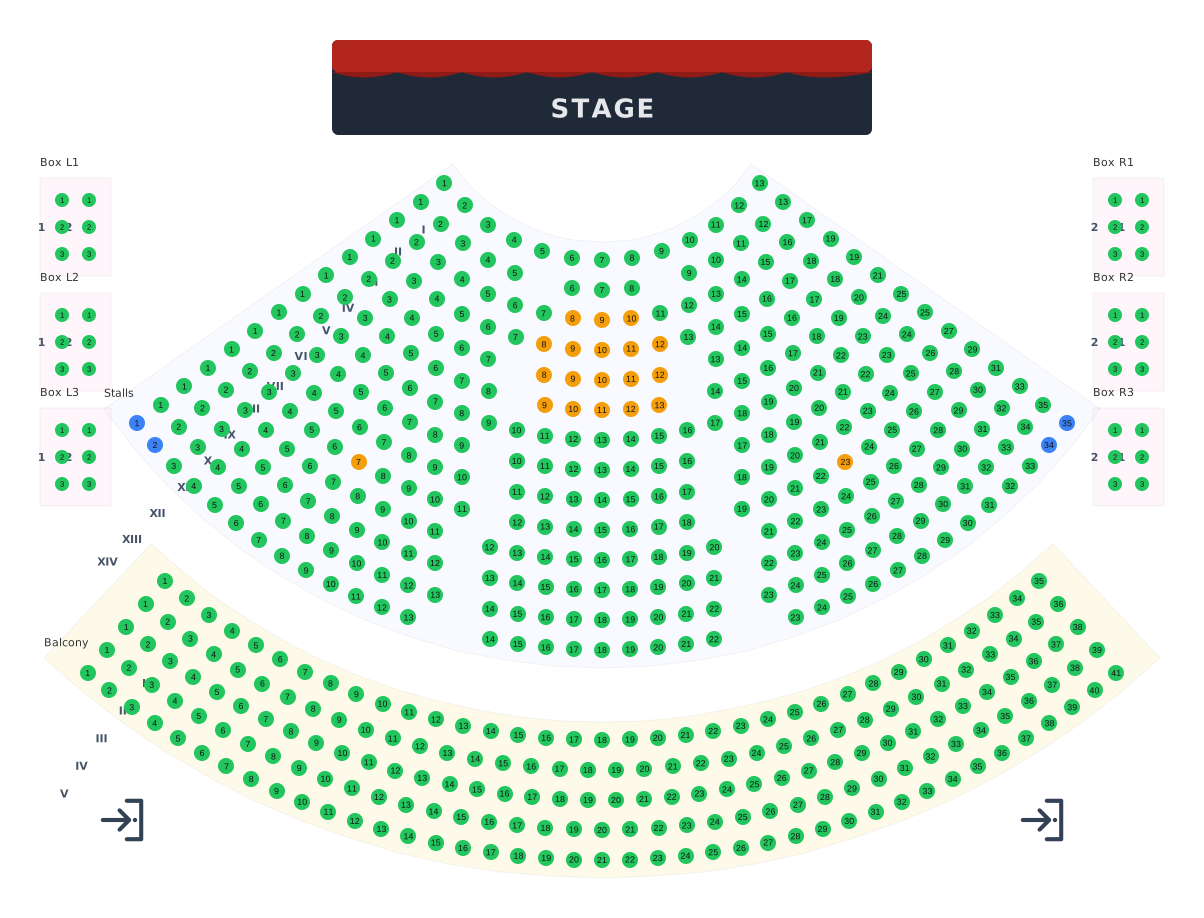 Theatres
Stalls, balcony and boxes around the stage.
Theatres
Stalls, balcony and boxes around the stage.
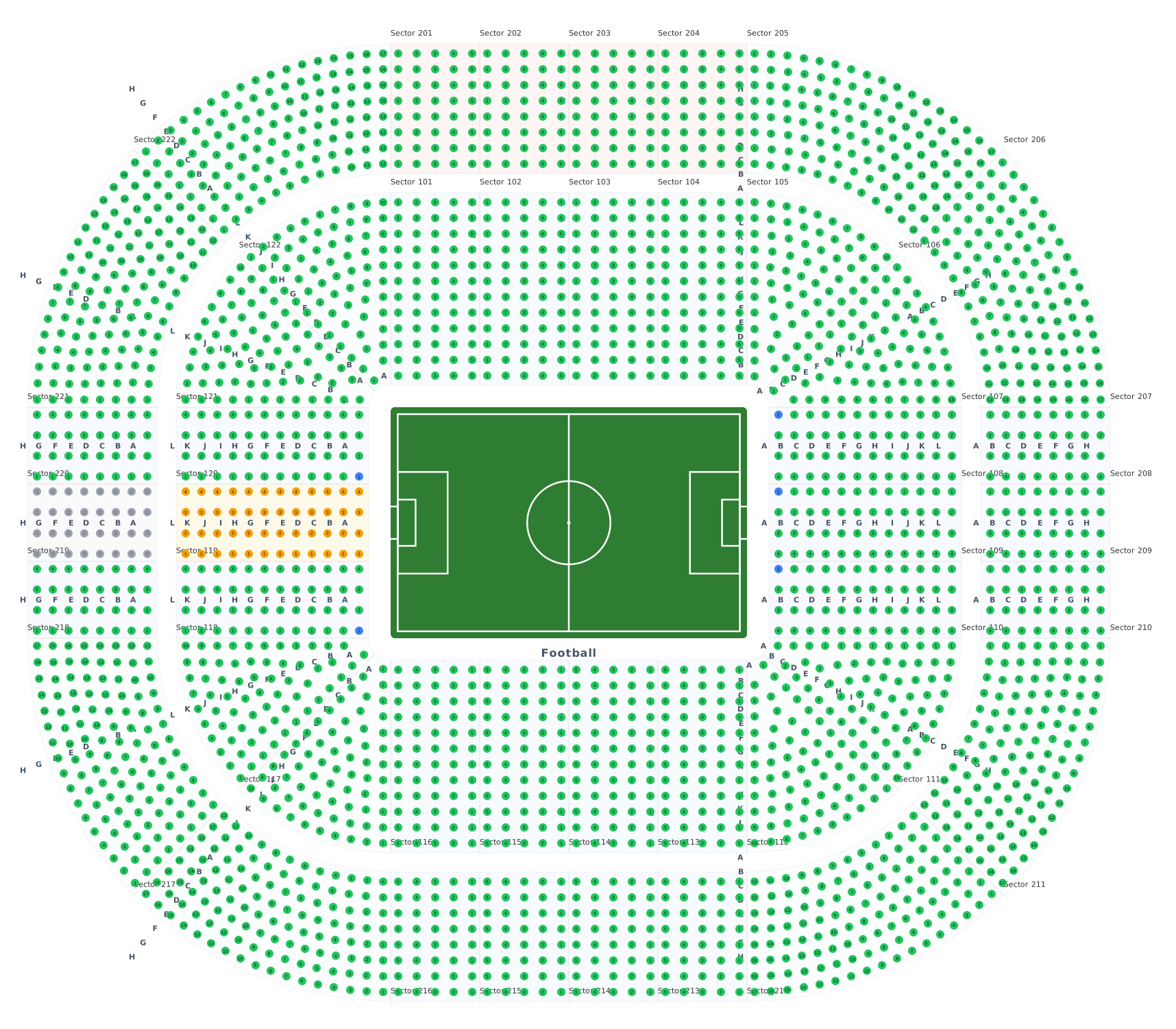 Stadiums & arenas
Stands around 8 ready sport courts.
Stadiums & arenas
Stands around 8 ready sport courts.
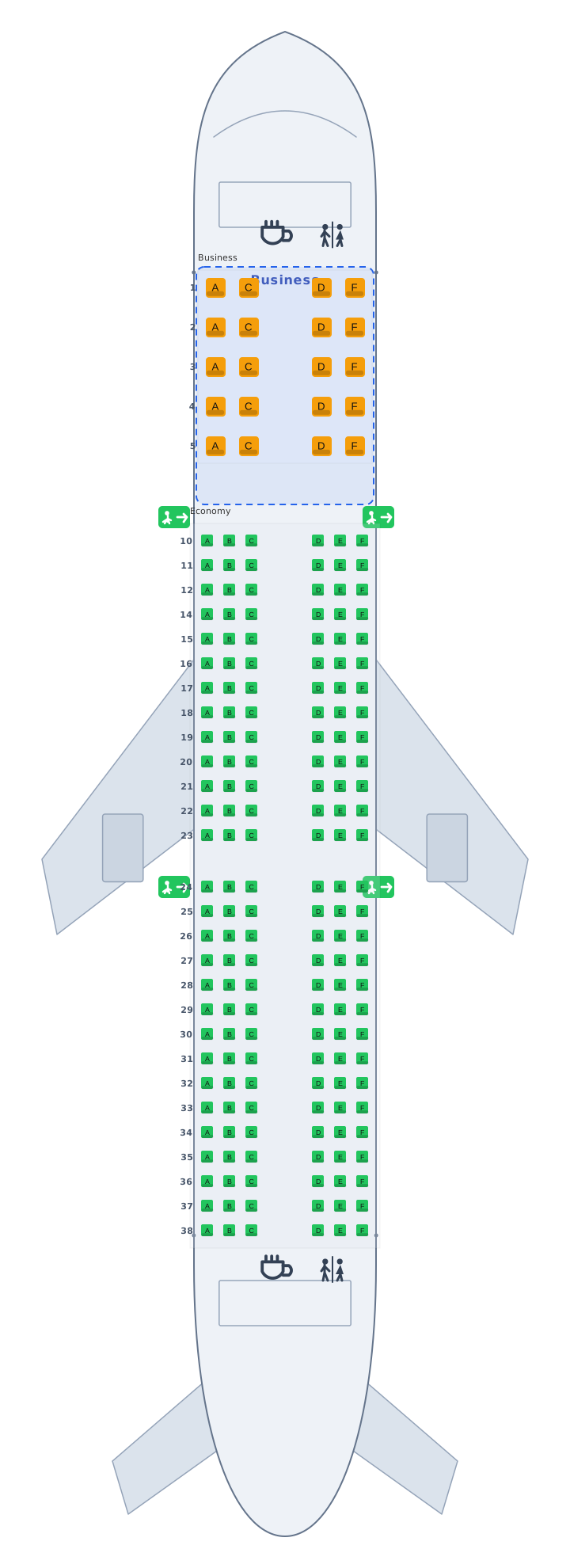 Transport
Airplane, train and bus cabins, seat 12A.
Transport
Airplane, train and bus cabins, seat 12A.
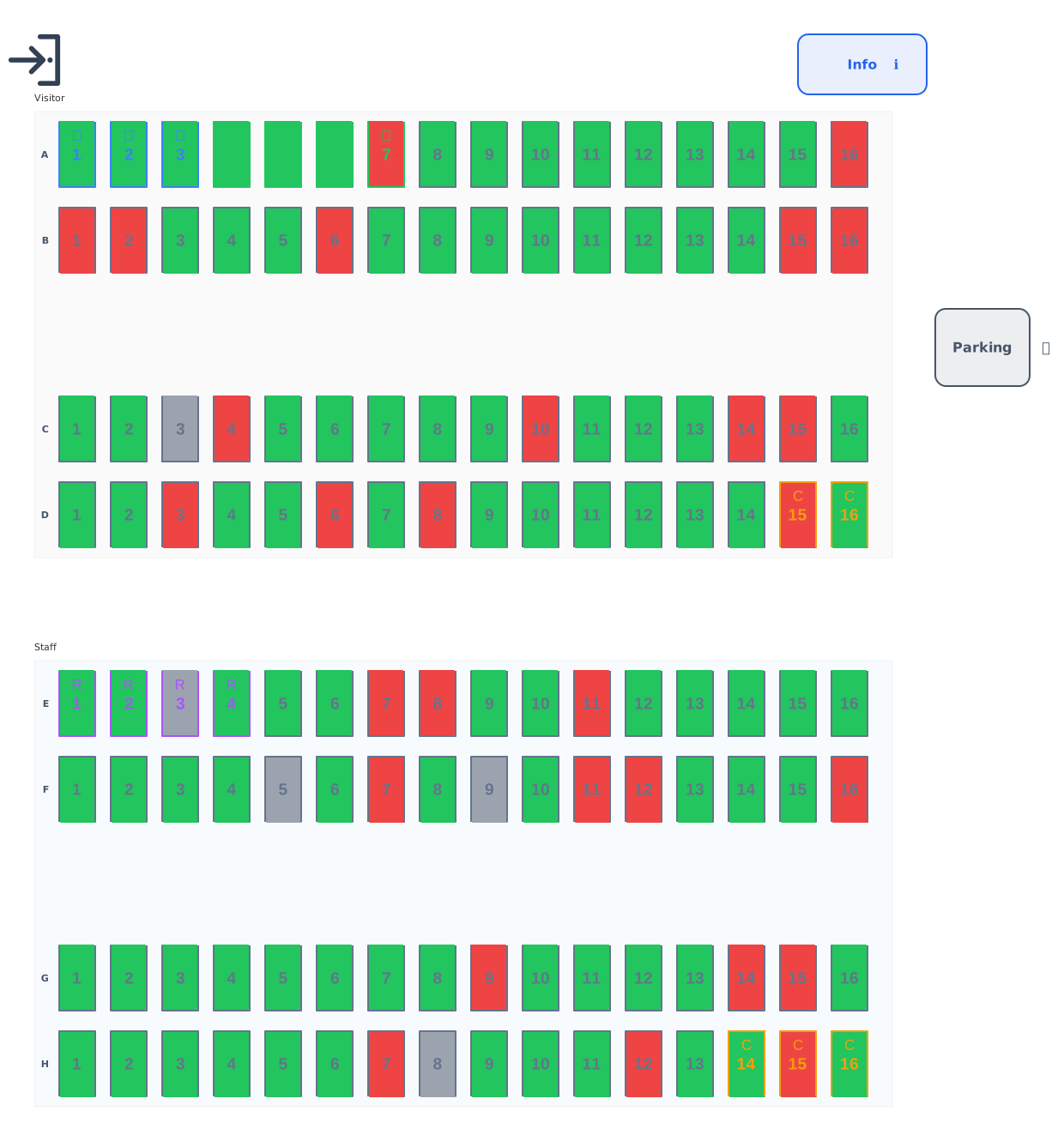 Parking
Standard, accessible, EV and reserved bays.
Parking
Standard, accessible, EV and reserved bays.
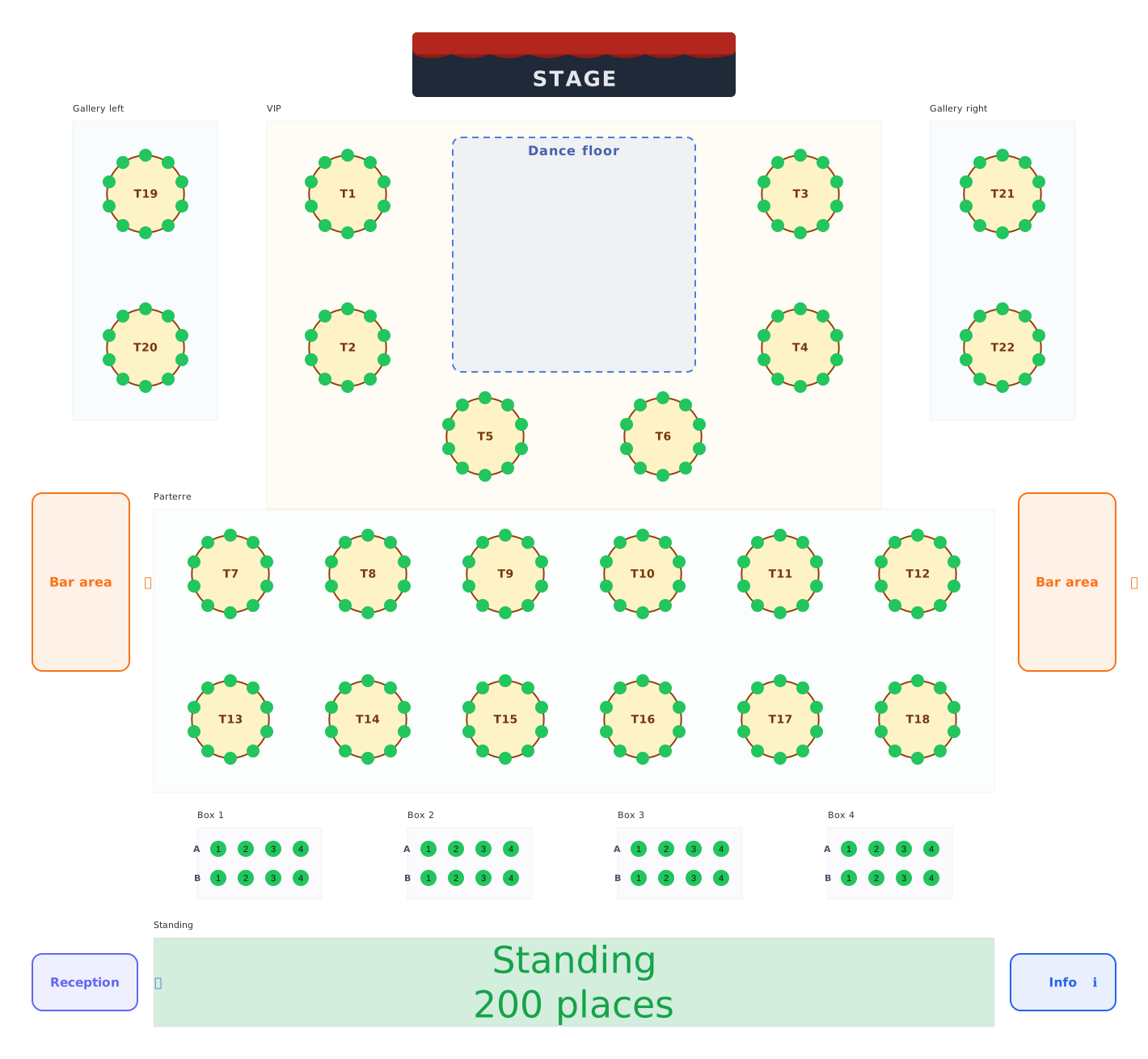 Balls & galas
Balls, galas and festivals: tables, boxes and standing areas.
Balls & galas
Balls, galas and festivals: tables, boxes and standing areas.