
Restaurants · seat planner
Table plans for restaurants and events
Drop in round, oval, square or long tables, set how many chairs go around each, and every chair gets a number tied to its table.
Free during the beta. Leave your email and we send you an invite to register.
Built for restaurants
Four table shapes
Round, oval, square and rectangular tables, with chairs on the sides and at the ends.
Chairs numbered per table
Chair 2 at table 3 reads T3-2, so staff and guests find their place.
Hall, terrace, VIP
Split the floor into areas and give each its own color and name.
How to make a restaurant floor plan in seatorio
- 1
Outline the rooms
Open the Hospitality theme and start from the Restaurant template, or draw a section for each area: hall, terrace, private room. Put an image of your floor plan underneath as a background if you want to trace the walls.
- 2
Place the tables
Pick a shape, a chair count from 2 to 24 and a label prefix, then click to place tables. Long tables can also seat guests at the ends.
- 3
Number tables and chairs
Tables are labelled T1, T2, T3 and chairs follow their table, so chair 2 at table 3 is T3-2. Choose clockwise or anticlockwise, and per table or continuous through the room.
- 4
Export and share
Export the plan as SVG for your website, booking tool or a printout for the floor team, and as JSON for your own system.
What makes a good restaurant table plan
A restaurant floor plan is a working tool before it is a picture. The host uses it to seat walk-ins, the floor manager to split sections between waiters, and the kitchen pass to know where table 14 is. Draw it for those people first.
Mix table sizes on purpose. Most bookings are for two or four, so a room full of tables for eight wastes chairs every evening. Square tables for four that can be pushed together give you flexibility; round tables for six to ten suit groups and events; a long table with end seats takes a party without rearranging the room.
Keep service paths clear. Leave a route from the kitchen door and the bar to every table, and do not let chair backs block it when the room is full. Your local fire and accessibility rules set the minimums for exits and passages, so check them before you finalise the layout.
Split the floor into areas the way you run service: hall, terrace, private room, bar seating. In seatorio each area is a section with its own name and colour, so the plan shows at a glance which part of the room a booking sits in. The restaurant floor plan template has a hall, a terrace and a private room with every table shape to start from.
Table numbering that works on a busy night
Table numbers only help when everyone uses the same ones. Number tables in a logical walk through the room, starting near the entrance or the pass, so new staff learn them in a shift. Keep numbers unique across the whole restaurant: if the terrace also has a table 3, someone will take the wrong order there.
In seatorio every table gets a label from a prefix and a running number, T1, T2, T3 by default. You can change the prefix per batch, so the terrace can use a different prefix from the hall, and you can rename any single table.
Chairs are numbered by their table, clockwise from the top by default, so the second chair at table 3 reads T3-2. You can switch to anticlockwise, change the style to letters or roman numerals, or number chairs continuously through a section when each chair is sold on its own, as at a set-menu evening or a chef's table.
Change a table's shape or chair count and the chairs are rebuilt and renumbered to match. Chairs you have already edited, for example one marked as a wheelchair place, keep their settings where the table still has that chair.
What the exported plan gives your booking system
seatorio does not take reservations. It draws the restaurant table plan that a booking tool, a website widget or your own system can use. The SVG export is a clean image where every chair is a clickable element carrying a stable id, its section, its table and a status; the JSON export adds each chair's label, such as "T3-2".
Each table can also be set to sell chair by chair or as one whole table. Most restaurants book whole tables; events with shared tables sell single chairs. The JSON export records that choice together with the table shapes, labels and every chair, so a developer can build the booking flow around it.
You can also simply use the plan inside the restaurant: export it, print it for the host stand, or put it on a tablet so the team sees the same numbering as the booking list. For the technical side, read how a seat map connects to online booking.
Who it is for
Restaurant and café owners who want one clear table plan for staff and bookings, instead of a sketch taped to the host stand that nobody updates. Hotels with several dining rooms and a terrace. Event halls and caterers who rearrange the floor for every function. Developers building reservation tools who need a floor plan their customers can draw themselves. Seasonal venues that open a terrace in summer and close it in winter can keep both versions as separate plans and switch between them.
The same table tools power our ball and gala seating plans, where round tables of ten share the room with a stage, a dance floor and standing areas. If your restaurant sits on a beach, the beach club layouts use the same editor for sunbeds and umbrellas.
No time to draw it? Send us your floor plan, even a phone photo of a sketch, and our done-for-you service returns every table and chair numbered. Plan sizes and limits are on the pricing page.
Guides for restaurants
Done for you
Send us your floor plan and we draw every table and chair for you.
Questions
Does it work for weddings and gala dinners?
Yes. A banquet hall is the same plan: tables with numbered chairs that you export as SVG to share or print.
Can I change the number of chairs later?
Yes. Change a table’s chair count and the chairs and their numbers follow.
Which table shapes can I use?
Round, oval, square and rectangular, with 2 to 24 chairs per table. Rectangular and square tables can also have chairs at the ends.
Can a whole table be booked instead of single chairs?
Yes. Each table is set to sell per seat or per table, and the exported JSON carries that setting for your booking system.
Can the terrace use different table numbers from the hall?
Yes. Each area is its own section, and you can set a different label prefix for its tables or rename any table.
Can I import my existing floor plan?
seatorio does not import PDF or CAD files. You can upload an image of the plan as a background and place tables on top, or send it to us and we draw it.
Does seatorio take table reservations?
No. seatorio draws and numbers the plan; your reservation tool or website shows the exported plan and handles bookings.
Other spaces
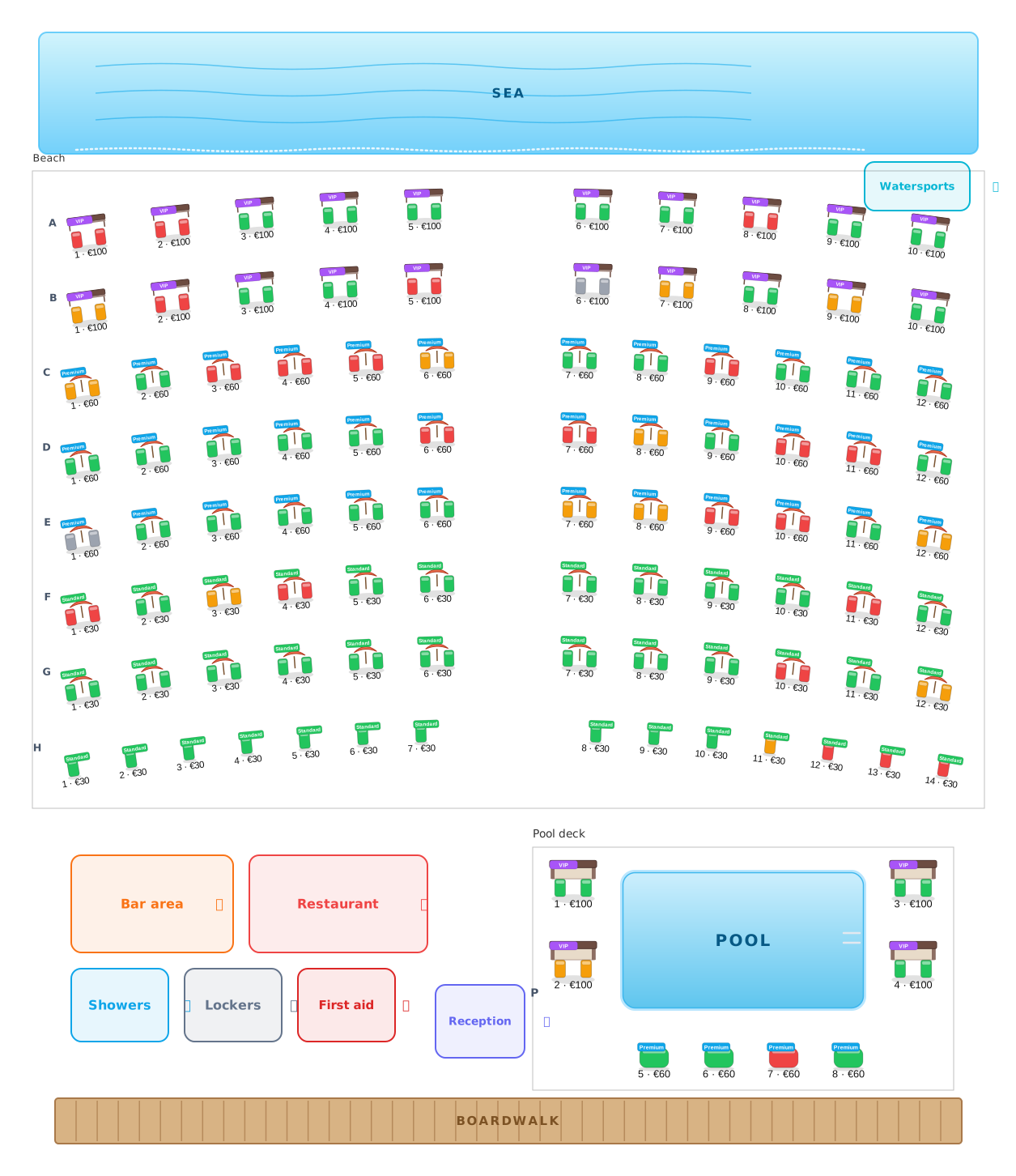 Beach clubs
Umbrellas, beds and cabanas, numbered and priced.
Beach clubs
Umbrellas, beds and cabanas, numbered and priced.
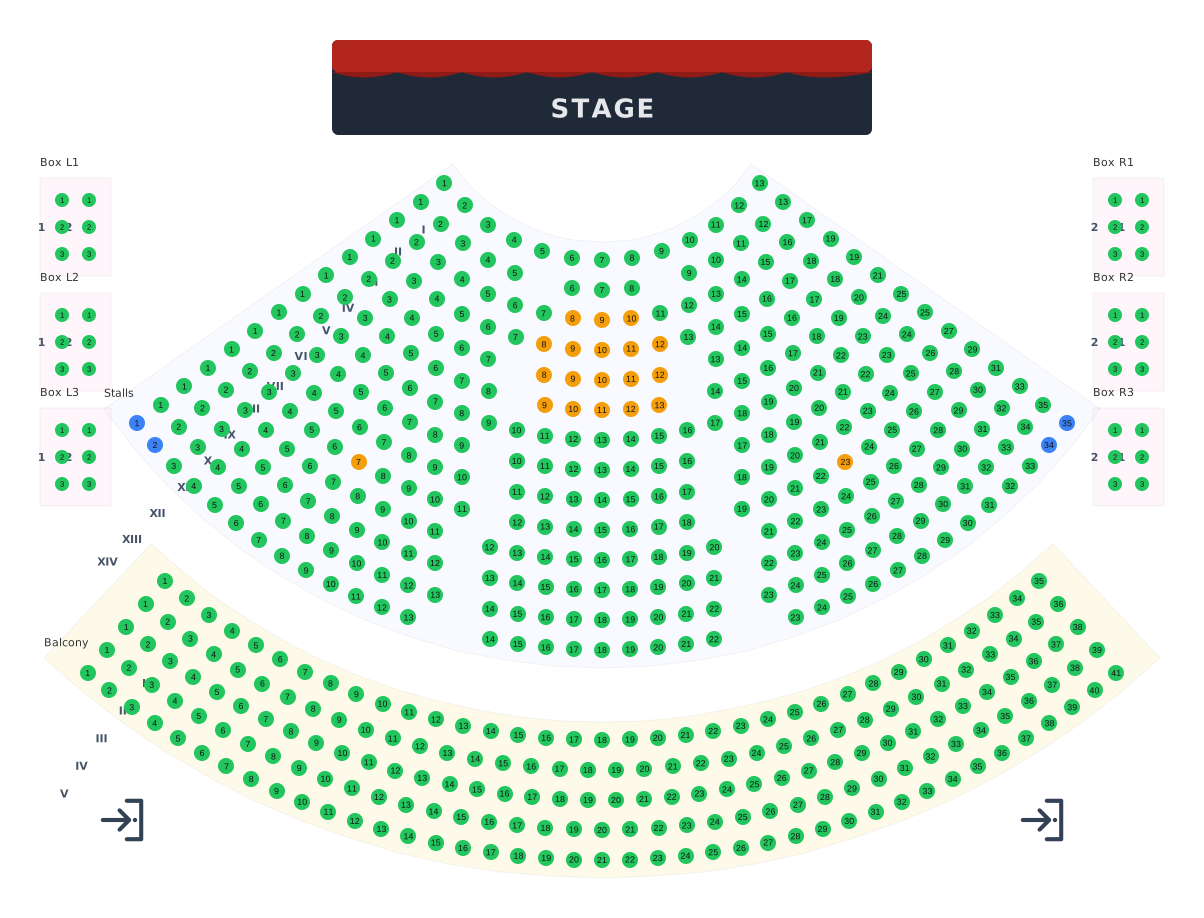 Theatres
Stalls, balcony and boxes around the stage.
Theatres
Stalls, balcony and boxes around the stage.
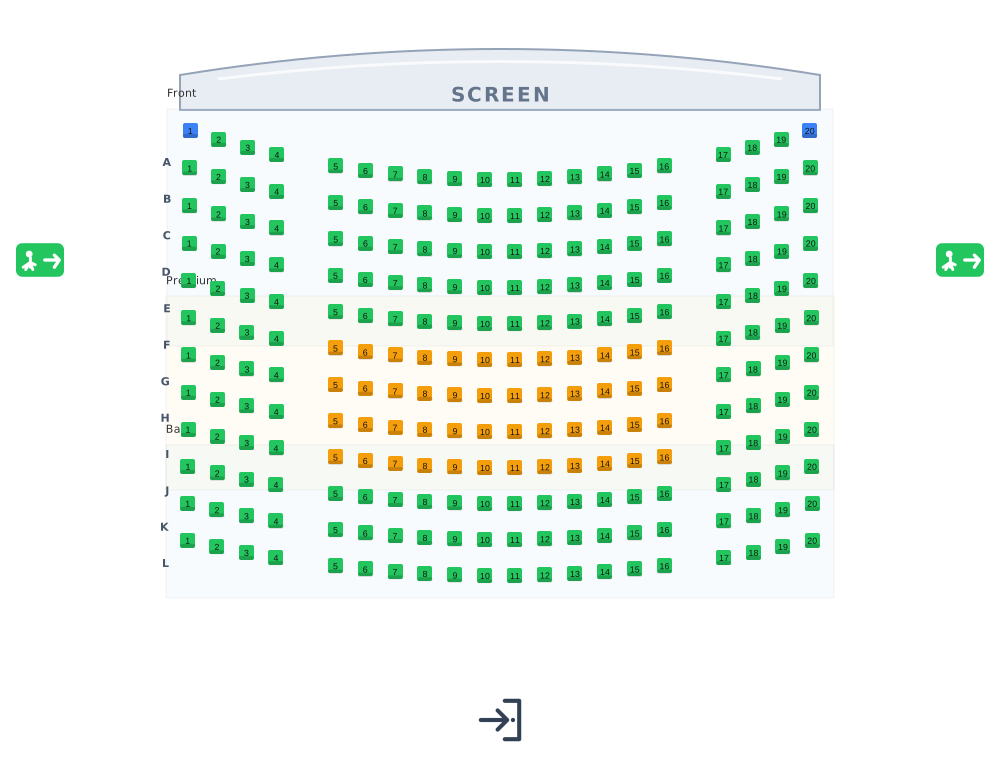 Cinemas
Lettered rows facing the screen.
Cinemas
Lettered rows facing the screen.
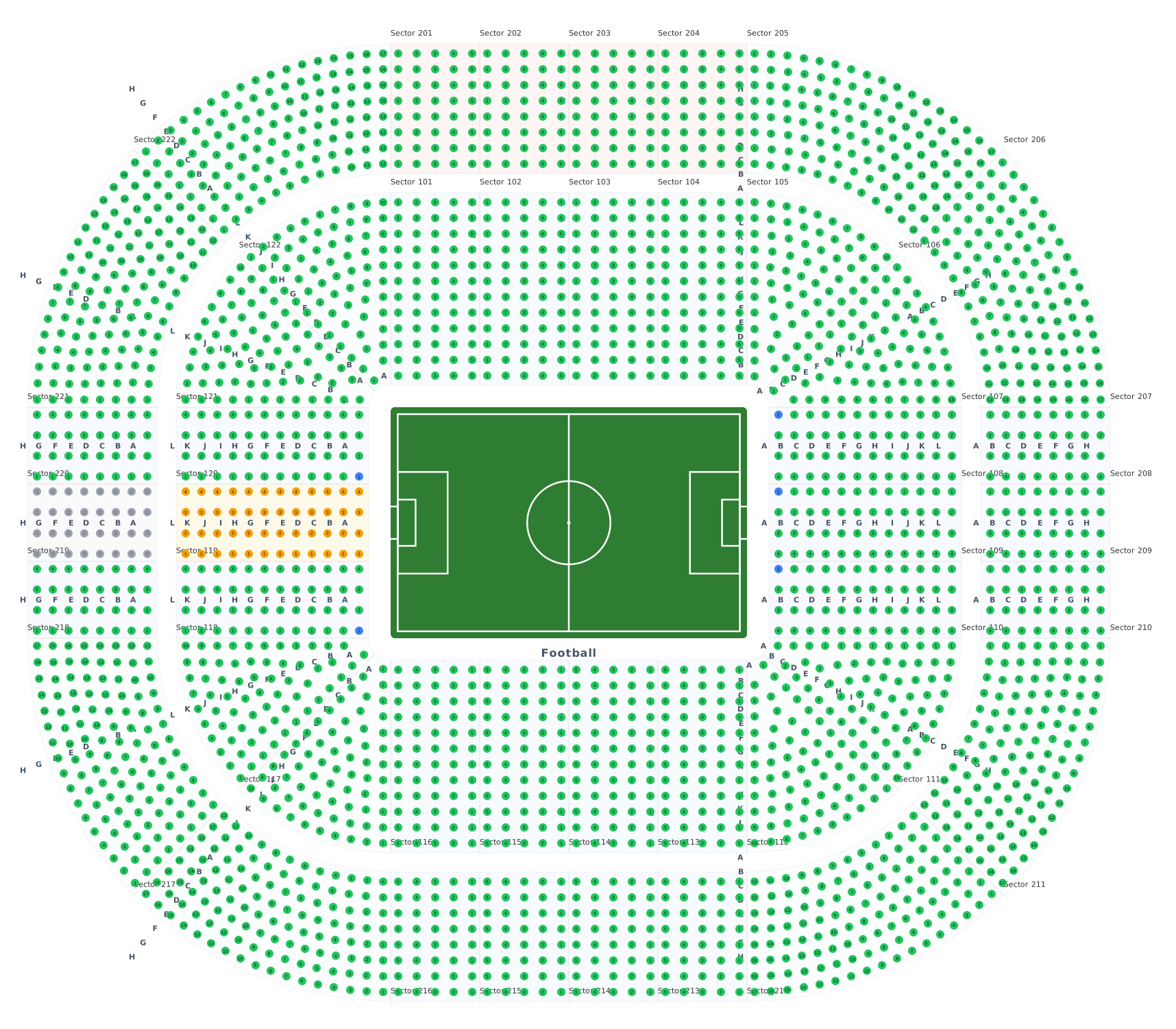 Stadiums & arenas
Stands around 8 ready sport courts.
Stadiums & arenas
Stands around 8 ready sport courts.
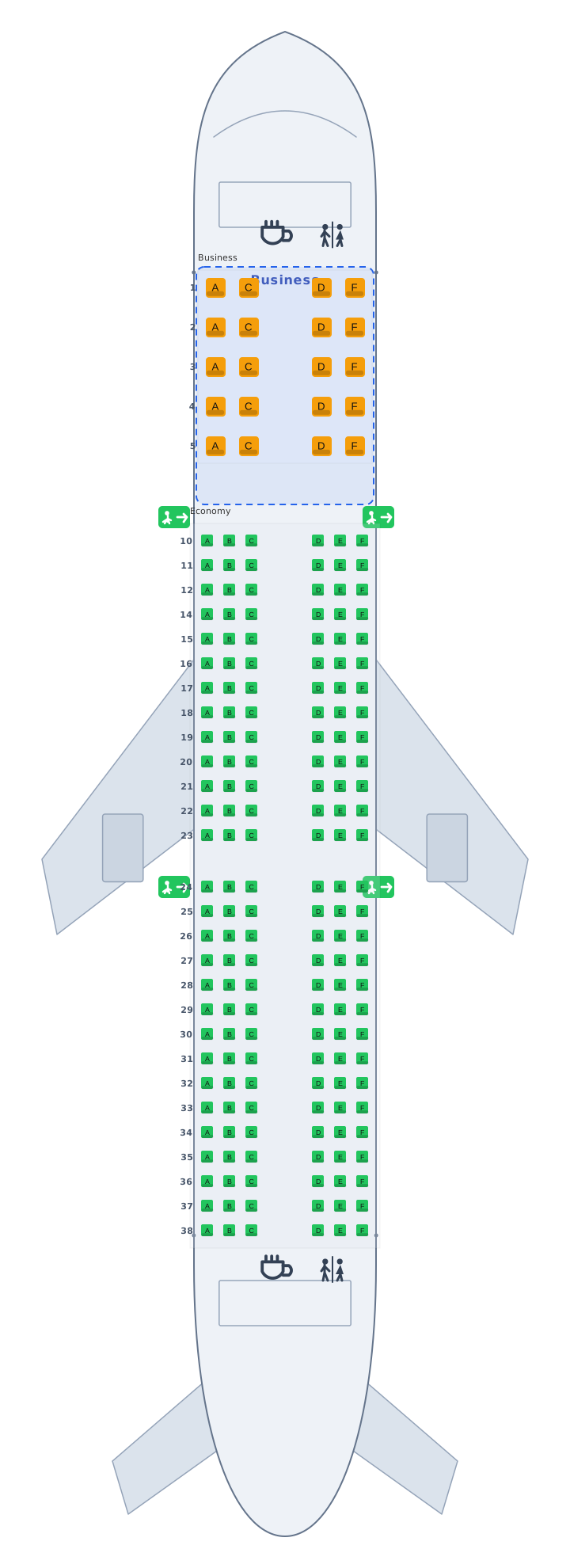 Transport
Airplane, train and bus cabins, seat 12A.
Transport
Airplane, train and bus cabins, seat 12A.
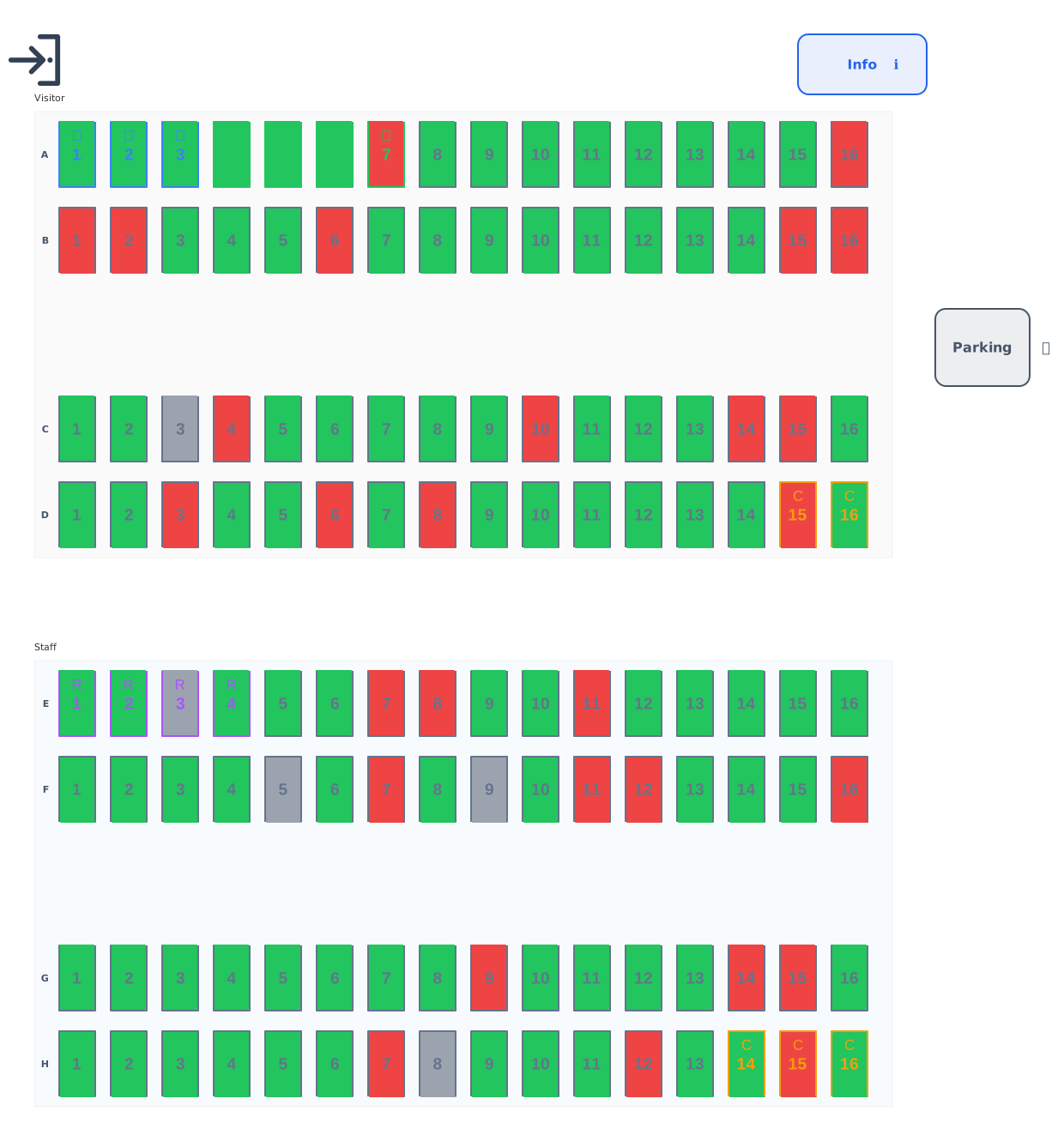 Parking
Standard, accessible, EV and reserved bays.
Parking
Standard, accessible, EV and reserved bays.
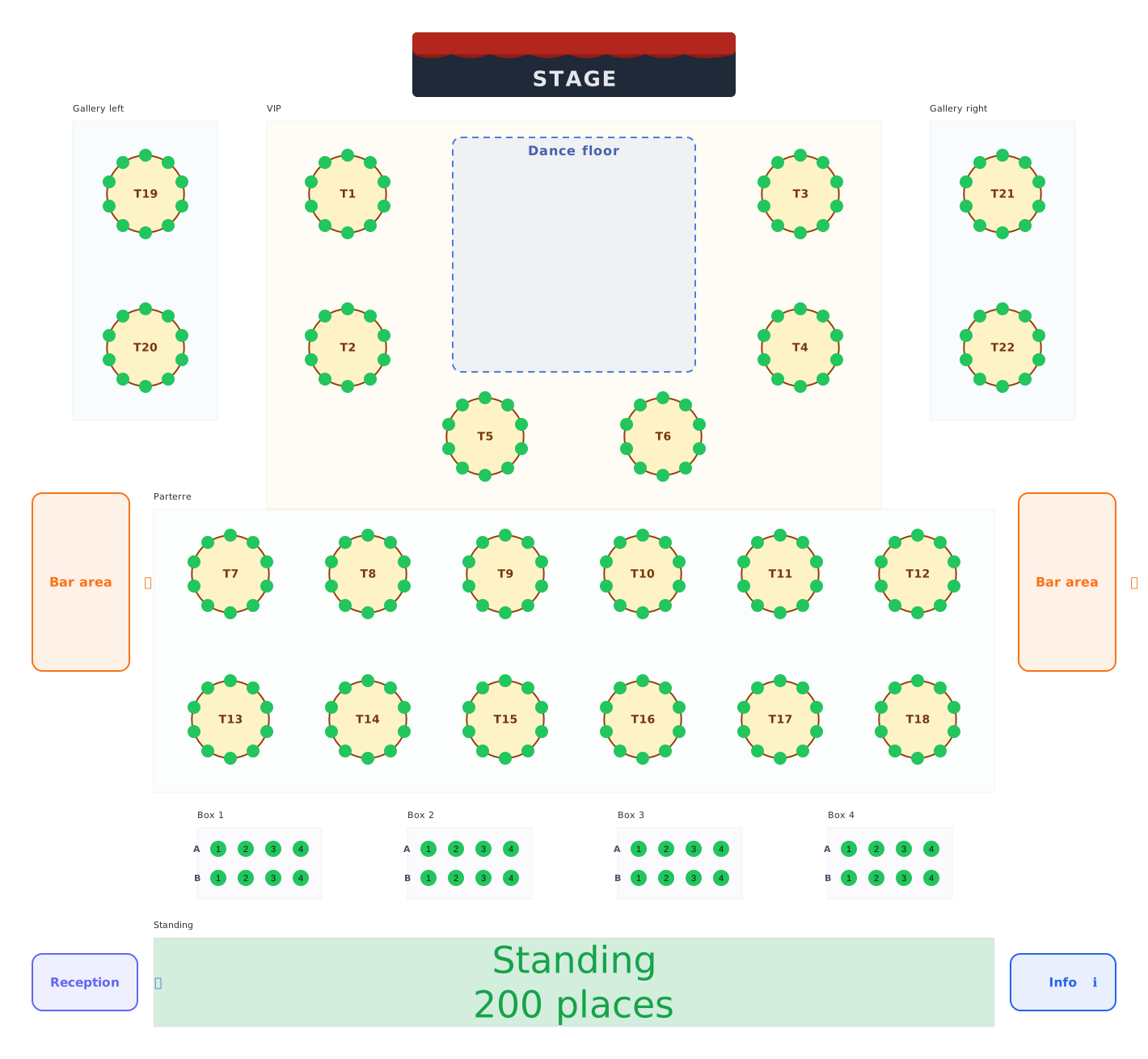 Balls & galas
Balls, galas and festivals: tables, boxes and standing areas.
Balls & galas
Balls, galas and festivals: tables, boxes and standing areas.