
Beach clubs · seat planner
Your beach, set by set, ready for bookings
Place umbrella and baldachin sets with as many beds as you rent, number them row by row from the sea, and give every row its own price tier.
Free during the beta. Leave your email and we send you an invite to register.
Built for beach clubs
Sets with 1 to 8 beds
Umbrella or baldachin, sunbeds, daybeds and cabanas. Each set counts as one bookable place with its beds inside.
Rows facing the sea
Add the sea as an anchor and lay rows along the shore, straight or curved along the beach line.
Price tiers
Front row, second row, VIP: tiers carry prices so the plan knows what every set costs.
Bars, showers, first aid
Facilities like the bar, showers, kids area, lockers or first aid sit on the plan so guests know where they are.
How to make a beach club layout in seatorio
- 1
Set the scene
Open the Beaches theme and start from the Beach club template, or place the sea, boardwalk and pool on an empty plan. A photo or screenshot of your beach can go underneath as a background image to trace over.
- 2
Lay rows of sets
Draw a section for each part of the beach and add rows of sets. Choose umbrella, baldachin, cabana, daybed or single sunbed, set the number of beds, bend rows along the shore and turn them to face the sea.
- 3
Number and price
Rows get letters and sets get numbers automatically. Put each set in a tier such as VIP, Premium or Standard, and override the price of a single set where it earns more.
- 4
Colour by status and export
Mark sets free, reserved, occupied or out of service in colours you choose. Export the SVG and JSON for your booking page or app.
What makes a beach club layout work
A beach club layout is a price list drawn on sand. Guests pick by view, shade and what is nearby, so the plan has to show those three things at a glance. Start with the shoreline and the way people arrive, from the boardwalk, the hotel or the car park, and only then place sets.
Keep one kind of set per row where you can. A front row of baldachins, then umbrella rows, then single sunbeds at the back reads as a clear step down in price. Mixed rows look busy on a phone screen and make tiers harder to explain.
Plan the lanes before the sets. Staff carry trays, towels and drinks along the rows, and guests walk to the water with children and bags. A walkway through the middle and gaps between rows cost you a few sets but make every remaining set easier to reach and sell. Spacing rules differ from place to place, so check the conditions of your concession or local authority before you fix the distances.
Treat the pool deck, a quiet zone or a family area as their own sections. Each one then has its own numbering, its own colour and its own story on the map. Our beach club layout guide goes deeper into pricing by row, and the beach club layout template shows a full beach with a pool deck, cabanas and facilities you can start from.
Numbering sets so staff and guests agree
The number on the map has to be the number on the sand, the ticket and the waiter's notepad. The simplest scheme that works is a letter per row and a number per set: row A is the one closest to the sea, sets run 1, 2, 3 along it, and the set becomes "A1", "C7" and so on.
In seatorio this is the default for beach plans. You choose whether rows are lettered, numbered or in roman numerals, where they start, and whether sets are numbered from the left or from the right. Number from the end where guests arrive, so set 1 is the first one they pass.
Each section keeps its own scheme. The main beach can run A to H while the pool deck starts again with its own rows, and a set on the deck never shares a label with one on the sand. If one row needs a special name, such as a front row you call "VIP", give that row a custom label without renaming the others.
Whatever you choose, fix it before the season. The seat id that a booking system stores is built from the section name, the row and the number, so renaming a section or renumbering a row in July creates new ids for those sets. Change the layout as much as you like before you connect, then keep the numbers stable.
What your booking system gets from the map
seatorio does not take bookings or payments. It gives your booking page, app or channel manager a plan it can use. The SVG export is a clean image of the beach where every set is a clickable element with data attributes: a stable id, a uuid, the section and the status. The JSON export adds the rest for each set: the row, the number, the label such as "C7", the kind of set, the number of beds, the tier and the price.
A developer adds one click listener to the image, reads those attributes and opens the right booking form. When a set is booked, your system changes its status attribute and the colour follows, so the map shows the day the way your front desk sees it. The status colours you pick in the editor (free, reserved, occupied, out of service) travel with the plan.
The JSON export holds the whole plan: sections, rows, every set with its kind, beds, tier, price override and status, plus the tier list and currency. It can be imported back into seatorio, and it is the file to hand to whoever builds your booking flow. Read how a seat map connects to online booking for the steps your developer will follow.
Who uses seatorio for beaches
Beach club owners who rent sunbeds by the day and want a map that matches the beach. Hotel and resort beaches that sell premium rows to guests and outside visitors. Operators who run several beaches and want the same numbering everywhere. Developers and agencies building a sunbed booking app who need a reliable map to put in it.
Most clubs draw their own plan in an afternoon from the template. If the season is close and you would rather not, send us a photo, a drone shot or a hand sketch and we deliver the numbered plan through our done-for-you service. The pricing page also lists a beach season option for clubs that close in winter.
Running a terrace restaurant on the same site? The restaurant table plans use the same editor, so the beach and the dining area can be planned the same way, and a car park next to the beach can be mapped bay by bay with the parking lot layout.
Guides for beach clubs
Done for you
Send us a photo or drawing of your beach and we return it as a numbered plan before the season.
Questions
Can different rows have different prices?
Yes. Each set belongs to a tier, every tier has its own name, colour and price, and a single set can override its tier price.
Can I show which sets are already booked?
Yes. Every set has a status: free, reserved, occupied or out of service, each with a colour you can change per plan. The exported SVG carries the status on every set, so your booking system can switch it.
How many beds can one set have?
Umbrella and baldachin sets take 1 to 8 beds, a cabana up to 4, and a daybed or a single sunbed is one place. Each set is one bookable unit with its beds drawn inside.
Can guests book a sunbed directly on the map?
Not through seatorio itself. seatorio draws and numbers the plan; your booking page or app shows the exported map and handles the booking and payment.
Can I import my existing beach plan?
seatorio does not import PDF or CAD files. You can upload a photo or image of your plan as a background and draw the sets on top, or send it to us and we draw it for you.
Can the pool deck and the beach have separate numbering?
Yes. Make each area its own section and it gets its own rows, numbering and colour on the same plan.
Can I change the layout during the season?
Yes, you can move, add or remove sets at any time. Keep section names and numbers stable once your booking system uses them, because the seat id is built from them.
Other spaces
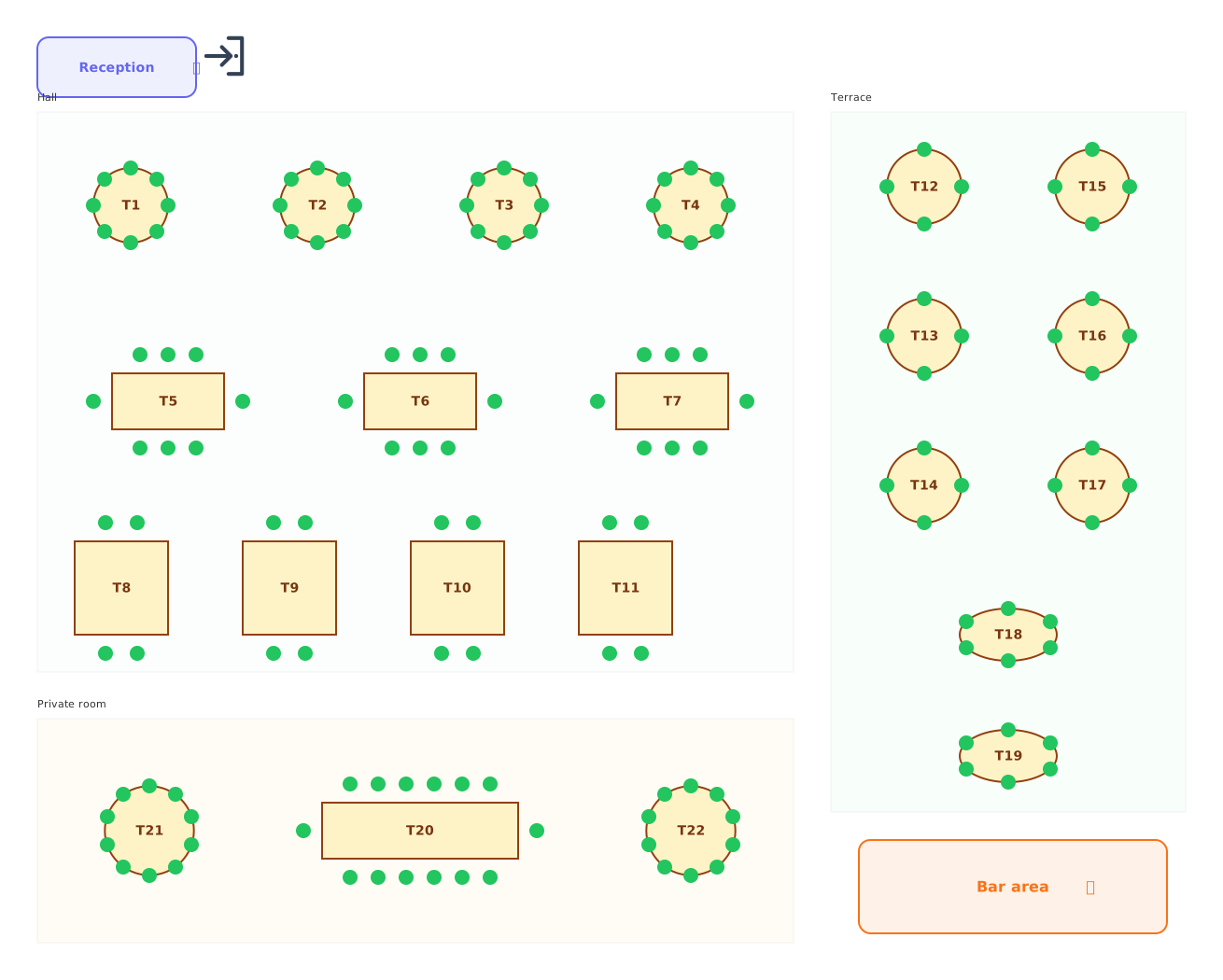 Restaurants
Tables of every shape with numbered chairs.
Restaurants
Tables of every shape with numbered chairs.
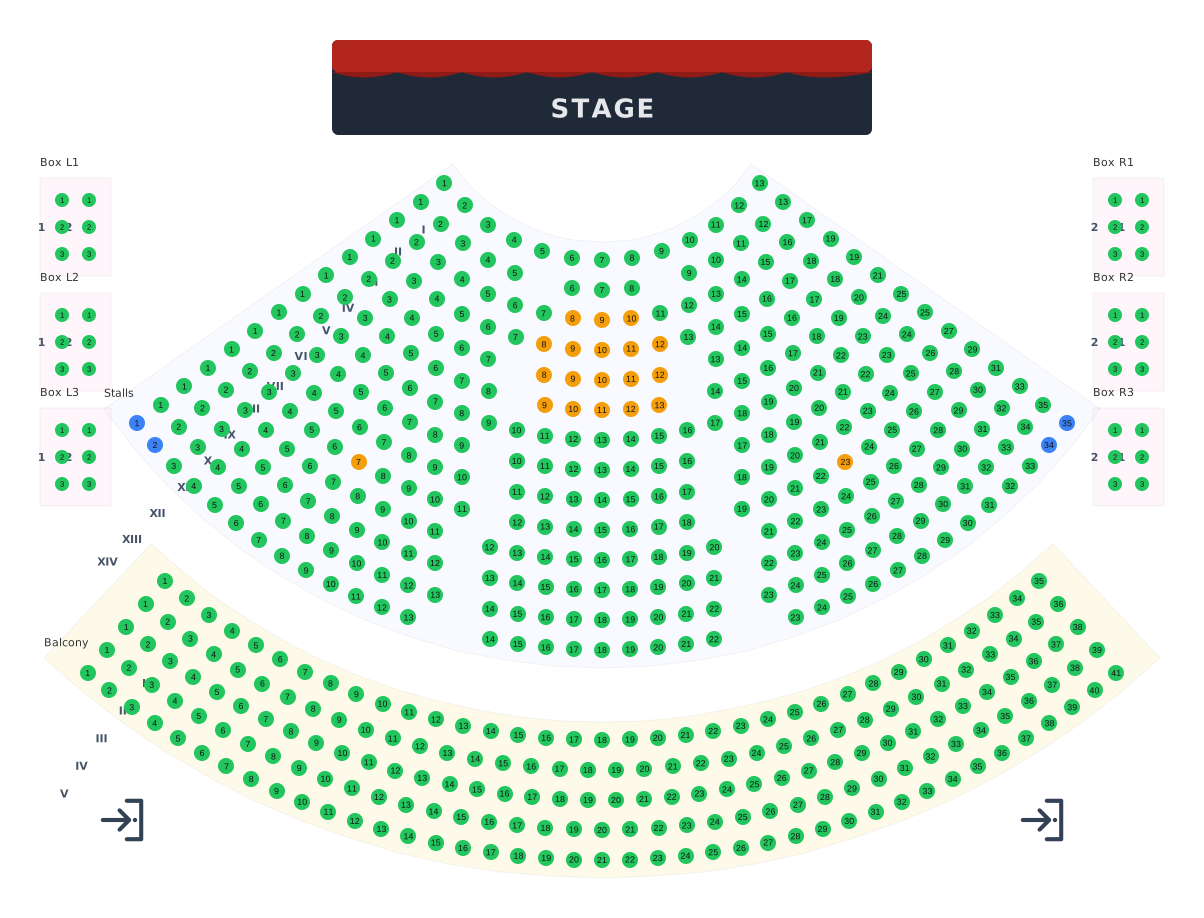 Theatres
Stalls, balcony and boxes around the stage.
Theatres
Stalls, balcony and boxes around the stage.
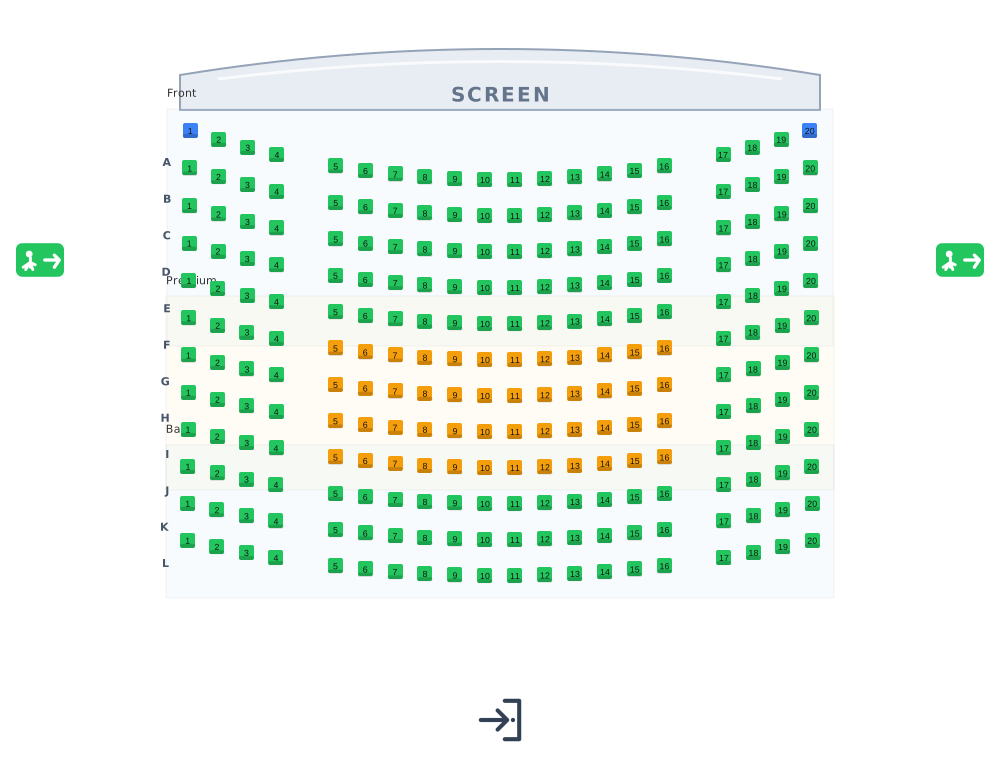 Cinemas
Lettered rows facing the screen.
Cinemas
Lettered rows facing the screen.
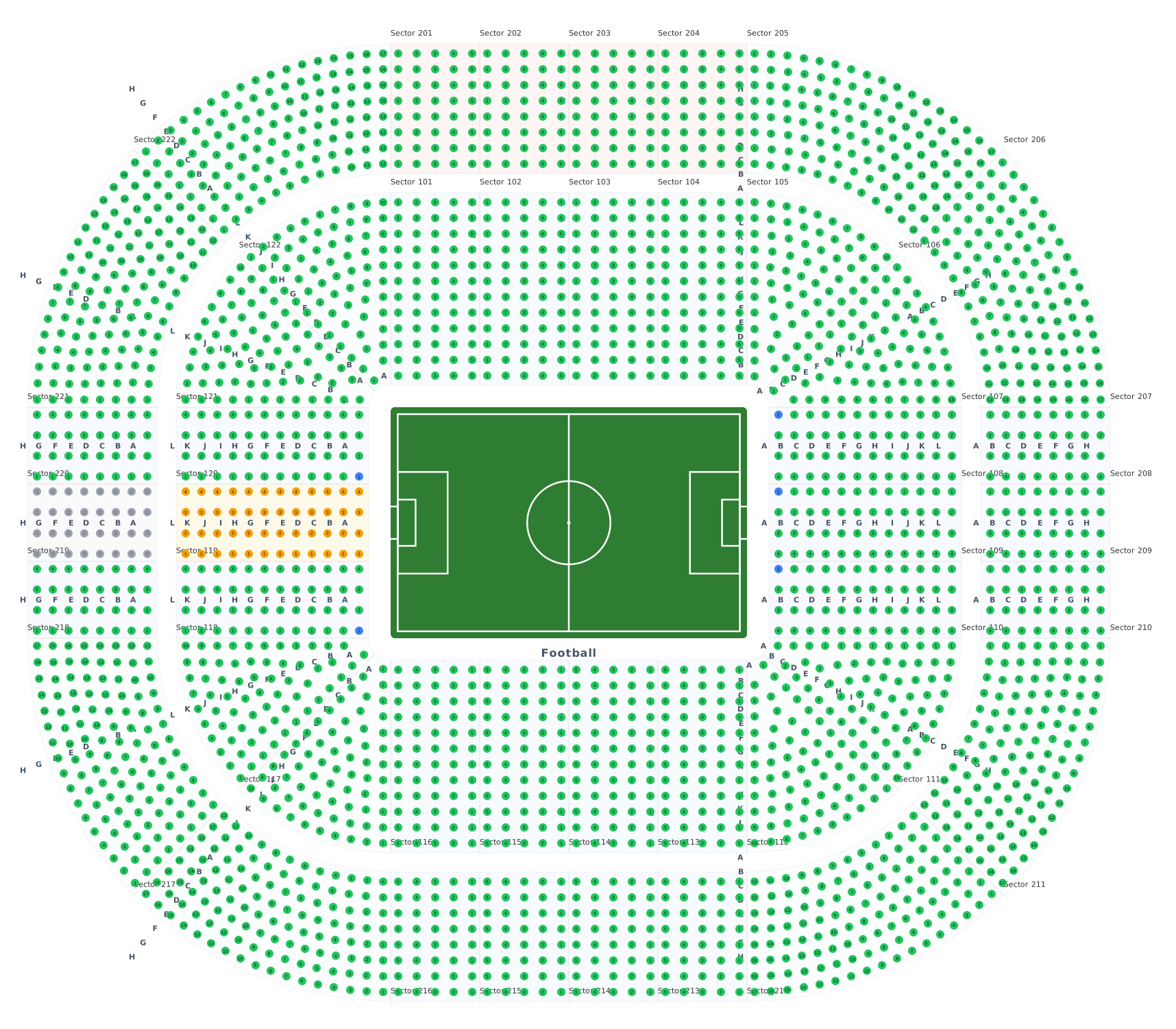 Stadiums & arenas
Stands around 8 ready sport courts.
Stadiums & arenas
Stands around 8 ready sport courts.
 Transport
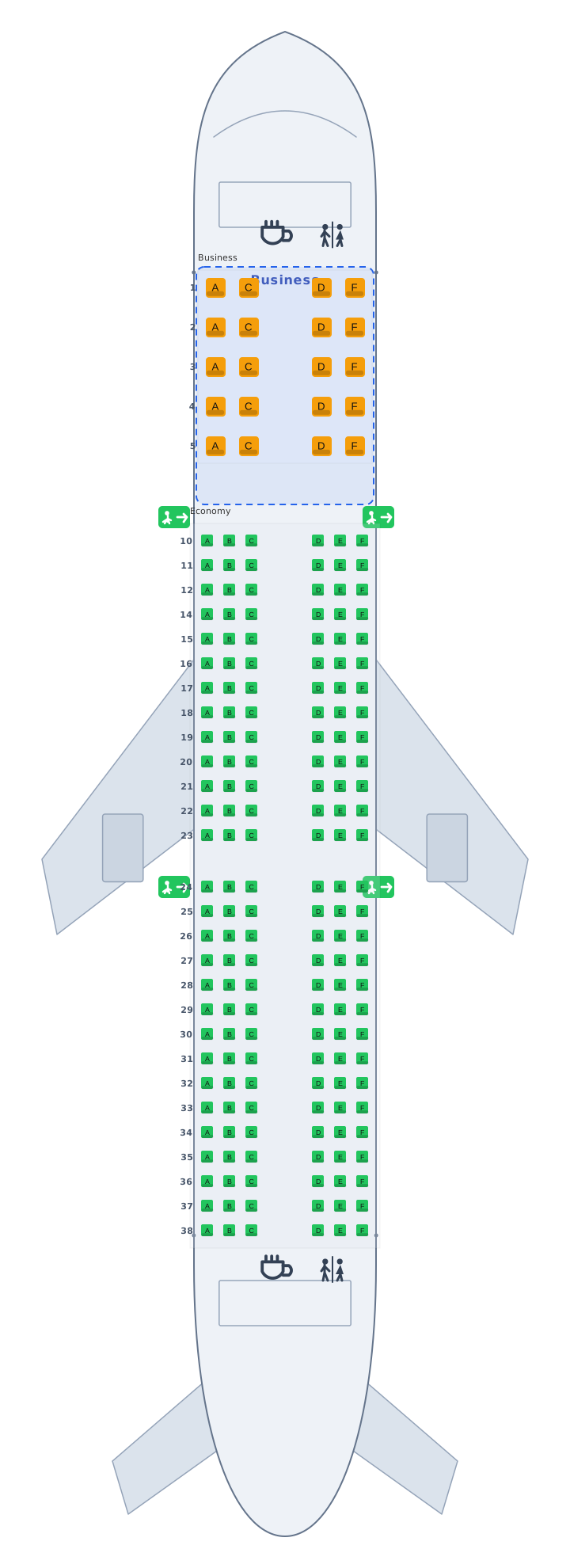
Airplane, train and bus cabins, seat 12A.
Transport
Airplane, train and bus cabins, seat 12A.
 Parking
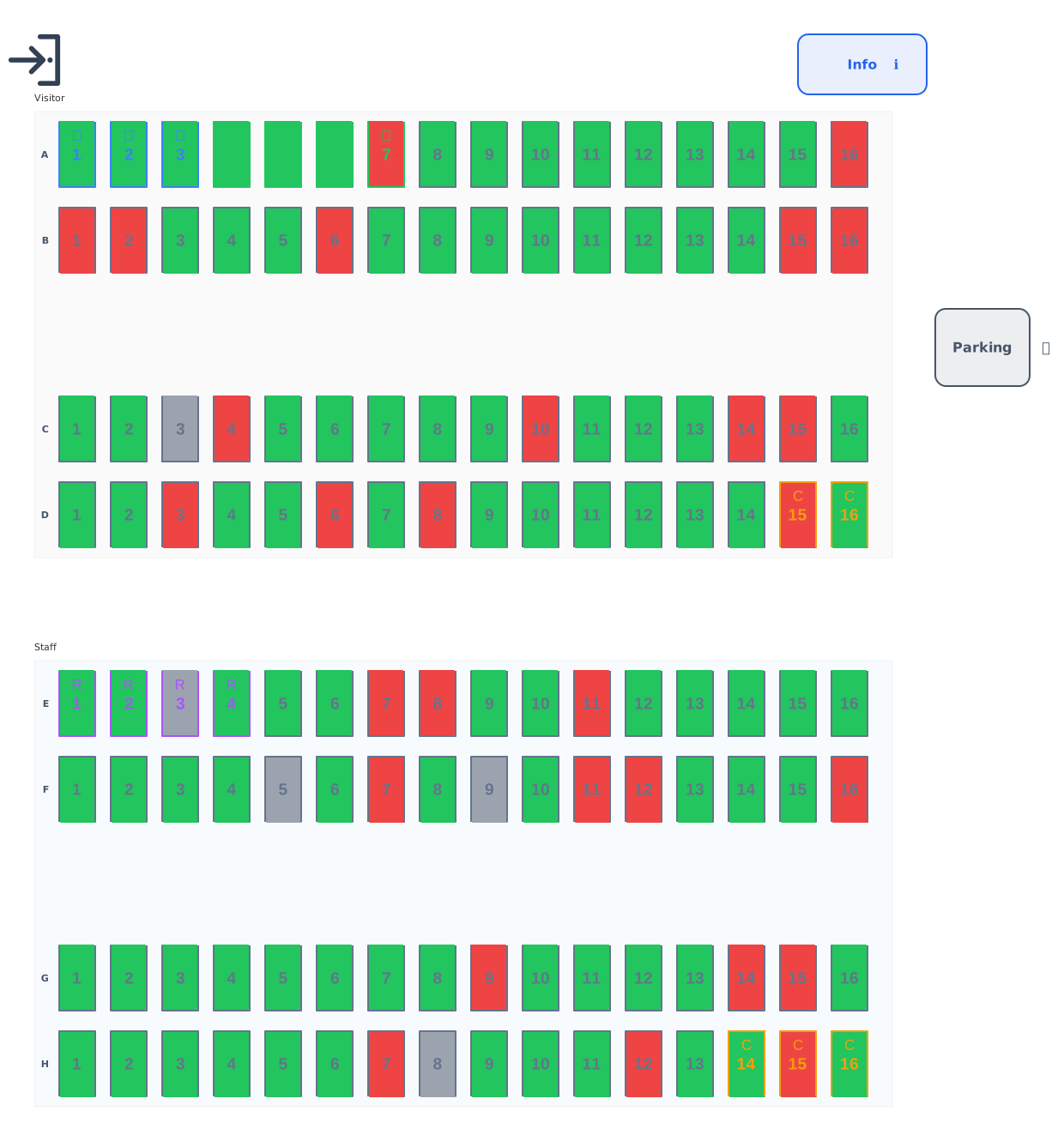
Standard, accessible, EV and reserved bays.
Parking
Standard, accessible, EV and reserved bays.
 Balls & galas
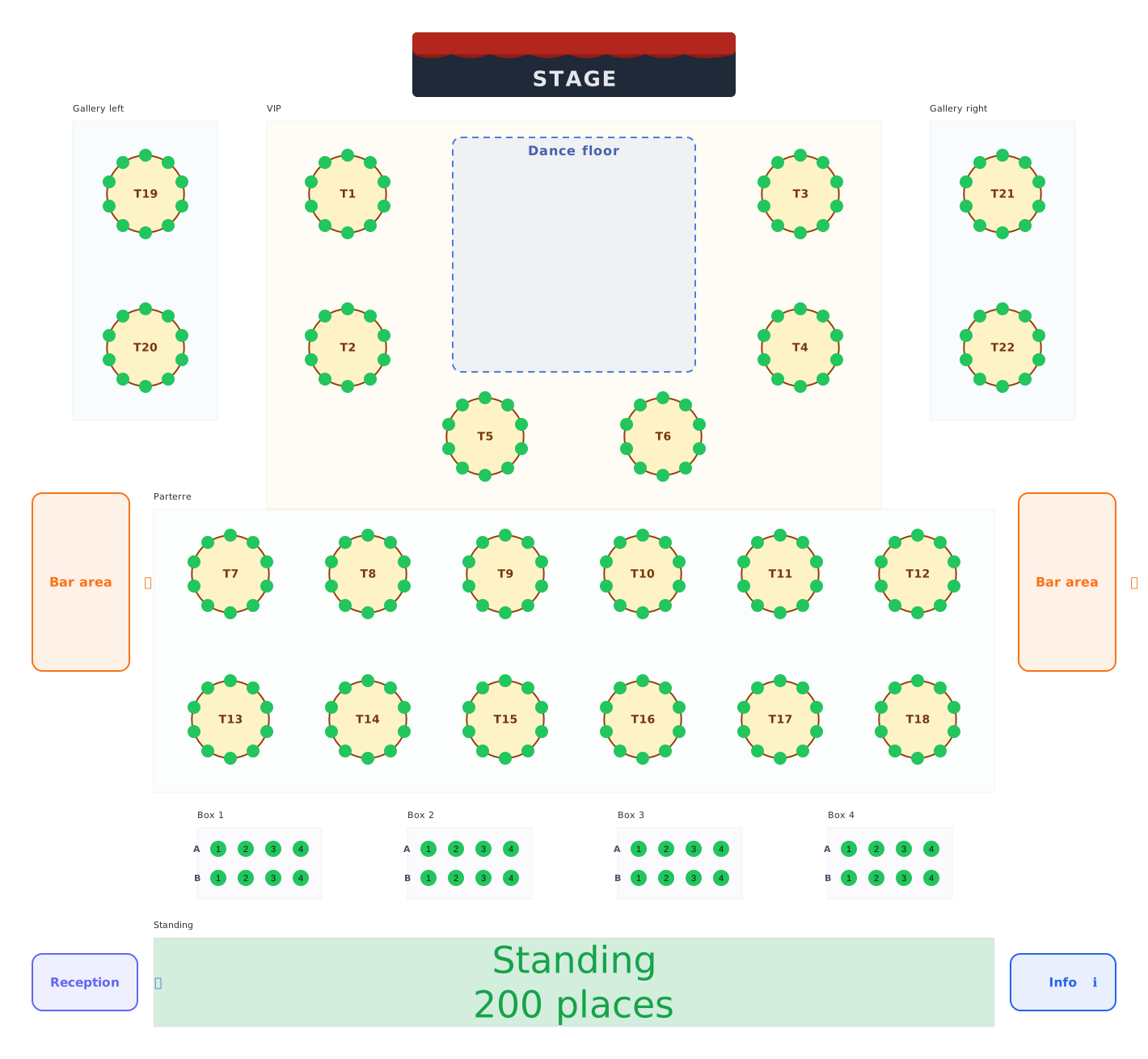
Balls, galas and festivals: tables, boxes and standing areas.
Balls & galas
Balls, galas and festivals: tables, boxes and standing areas.