
Parking · seat planner
Parking lots with every bay numbered
Lay out rows of bays, give each a type, and split the lot into zones for visitors and staff.
Free during the beta. Leave your email and we send you an invite to register.
Built for parking
Five space types
Standard, accessible, EV charging, compact and reserved bays.
Zones
Zone A, Zone B, Visitor, Staff, each numbered on its own.
Entrances and signs
Mark the entrance and other points on the plan.
How to make a parking lot layout in seatorio
- 1
Start from the lot
Open the Parking theme and start from the Parking lot template, or draw the outline yourself. An aerial photo or site plan image can go underneath as a background to trace.
- 2
Add rows of bays
Draw a section for each zone and fill it with rows of bays. Leave drive aisles between back-to-back rows and rotate bays to match the lines on the ground.
- 3
Type and number the bays
Set each bay as standard, accessible, EV charging, compact or reserved. Rows are lettered and bays numbered, so a bay reads A12.
- 4
Set statuses and export
Mark bays free, occupied or out of service in colours you choose, then export the SVG and JSON for your parking or booking system.
What makes a parking bay map useful
A parking lot layout is read by drivers at the gate, by staff who allocate spaces and by the system that sells or assigns them. Each wants the same thing: find the right bay fast.
Draw the lot the way a driver moves through it. Put the entrance on the plan first, then the drive aisles, then the rows of bays on either side. A bay map that shows the flow of traffic answers "how do I get there" as well as "where is it".
Group bays by who uses them. Visitors near the entrance, staff further in, deliveries near the loading door. In seatorio each zone is a section with its own name, colour and numbering, so Visitor and Staff never share bay numbers and the colour tells a driver which area is theirs.
Make the special bays obvious. Accessible bays belong closest to the entrance, EV charging bays where the chargers really are, and compact bays at row ends where a full-size car would not fit. Each bay type in seatorio has its own line colour and symbol, so they stand out on the map. Local rules often set how many accessible and charging bays you need and how big they are, so check them for your site. The parking lot layout template shows visitor and staff zones with every bay type.
Parking space numbering that drivers remember
A driver has to remember a bay number while walking away from the car and find it again an hour later. Short labels win. A row letter plus a bay number, such as B14, is easier to recall than a five-digit space id.
In seatorio the parking theme letters rows and numbers bays by default. Each zone numbers on its own, so the staff zone can start again at its own first row. You choose where the letters start and whether bays count from the left or the right, and you can number the bays of a single row from any start to match the numbers already painted on the asphalt.
Paint and map have to agree. If the ground markings already exist, copy them exactly, even if the scheme is not the one you would design today. If you are marking a new lot, number in the direction cars drive along each aisle, so the numbers climb as the driver looks for their bay.
Once a booking or access system stores your bays, keep their numbers stable: the bay uid in the export is built from the zone, row and number.
What your parking or booking system gets
seatorio does not take payments, run barriers or book spaces. It draws the parking bay map that your system uses. In the SVG export every bay is a clickable element with a stable id, a uuid, its zone and its status; the JSON export adds its row, number and space type: standard, accessible, EV charging, compact or reserved.
Your developer reads a click on a bay and books or assigns it. As bays fill, the system switches their status and the fill colour changes. The statuses and colours you set in the editor (free, occupied, out of service) come with the plan, so a bay closed for repairs can already show as out of service.
Reserved is a bay type, not a status: a reserved staff bay can be free or occupied like any other. The JSON export holds every zone, row and bay with its type and status, and can be imported back into seatorio when the lot is re-marked. For the integration steps, read how a seat map connects to online booking.
Who it is for
Office buildings and campuses that allocate bays to staff and visitors. Hotels, airports and event venues selling pre-booked parking. Residential buildings assigning numbered spaces. Parking operators and app developers who need a bay map for each site they manage. Facility managers who simply want an up-to-date plan of who parks where, printed for the security desk, without a full parking system behind it.
A multi-level car park can be drawn level by level: give each level's sections a floor name, and the canvas shows one level sharp while the others fade. Each level then keeps its own zones and numbering.
Event venues often plan the car park next to the seating: the same account draws stadium seating charts or beach club layouts. If you have the lot as a site plan or only on the ground, our done-for-you service returns every bay numbered and typed. Plan sizes are on the pricing page.
Guides for parking
Done for you
Send us the lot’s drawing and we return every bay numbered and typed.
Questions
Can drivers book a specific bay?
Through your own booking page, yes. The exported plan gives every bay an id, a type and a status, ready for a booking or access system; seatorio itself does not take bookings.
Can I show which bays are taken?
Yes. Each bay is free, occupied or out of service, each with a colour you can change per plan.
Which space types are there?
Standard, accessible, EV charging, compact and reserved. Each type has its own line colour and symbol on the map.
Can visitor and staff zones have separate numbering?
Yes. Each zone is its own section with its own rows, numbering and colour.
Can I match the numbers painted on the ground?
Yes. Choose the row style and start, the direction of the bays, and number any row from a chosen start so the map matches the markings.
Can I import a site plan or CAD drawing?
seatorio does not import CAD or PDF files. Upload an aerial photo or an image of the site plan as a background and draw the bays over it, or send it to us.
Other spaces
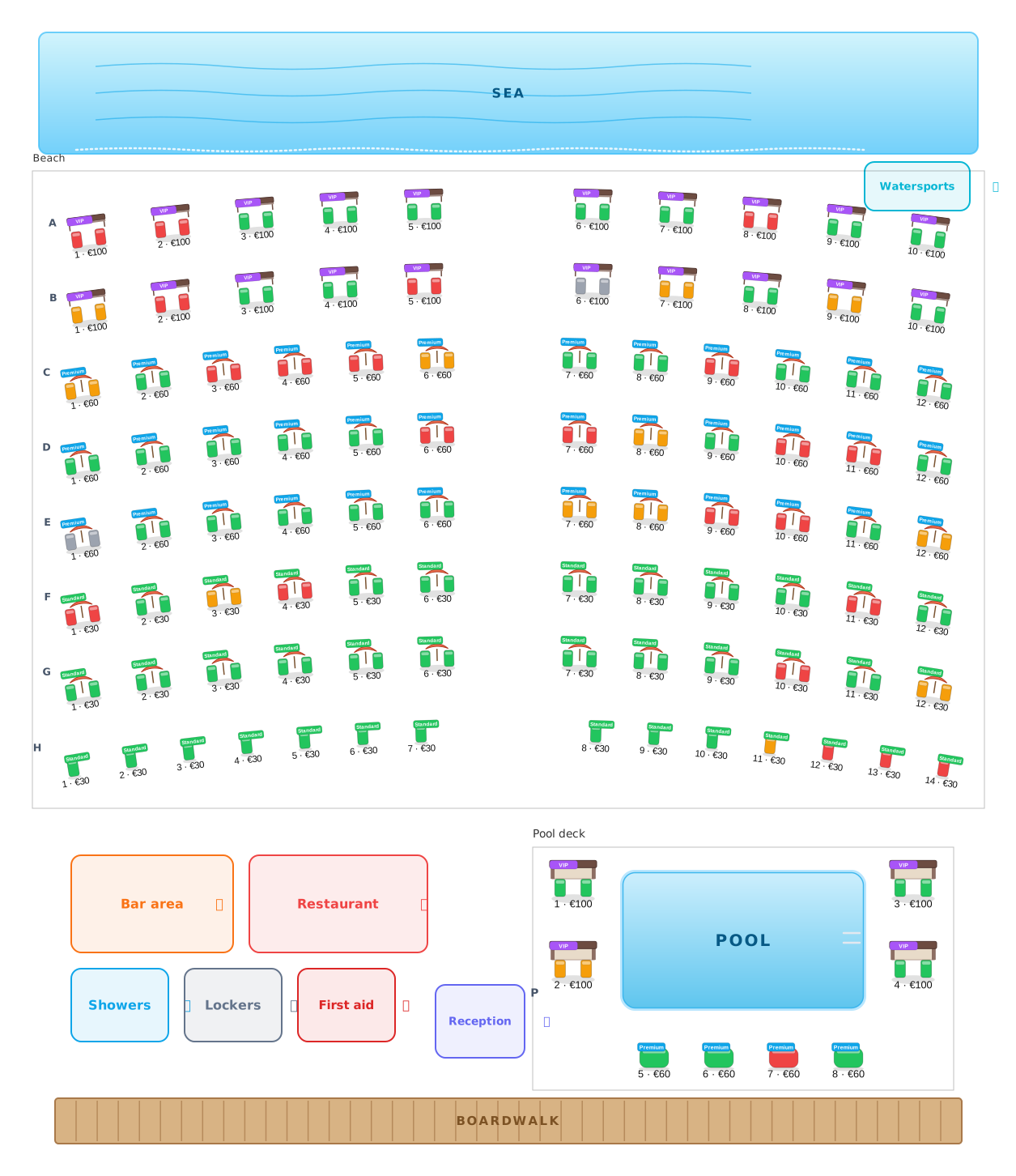 Beach clubs
Umbrellas, beds and cabanas, numbered and priced.
Beach clubs
Umbrellas, beds and cabanas, numbered and priced.
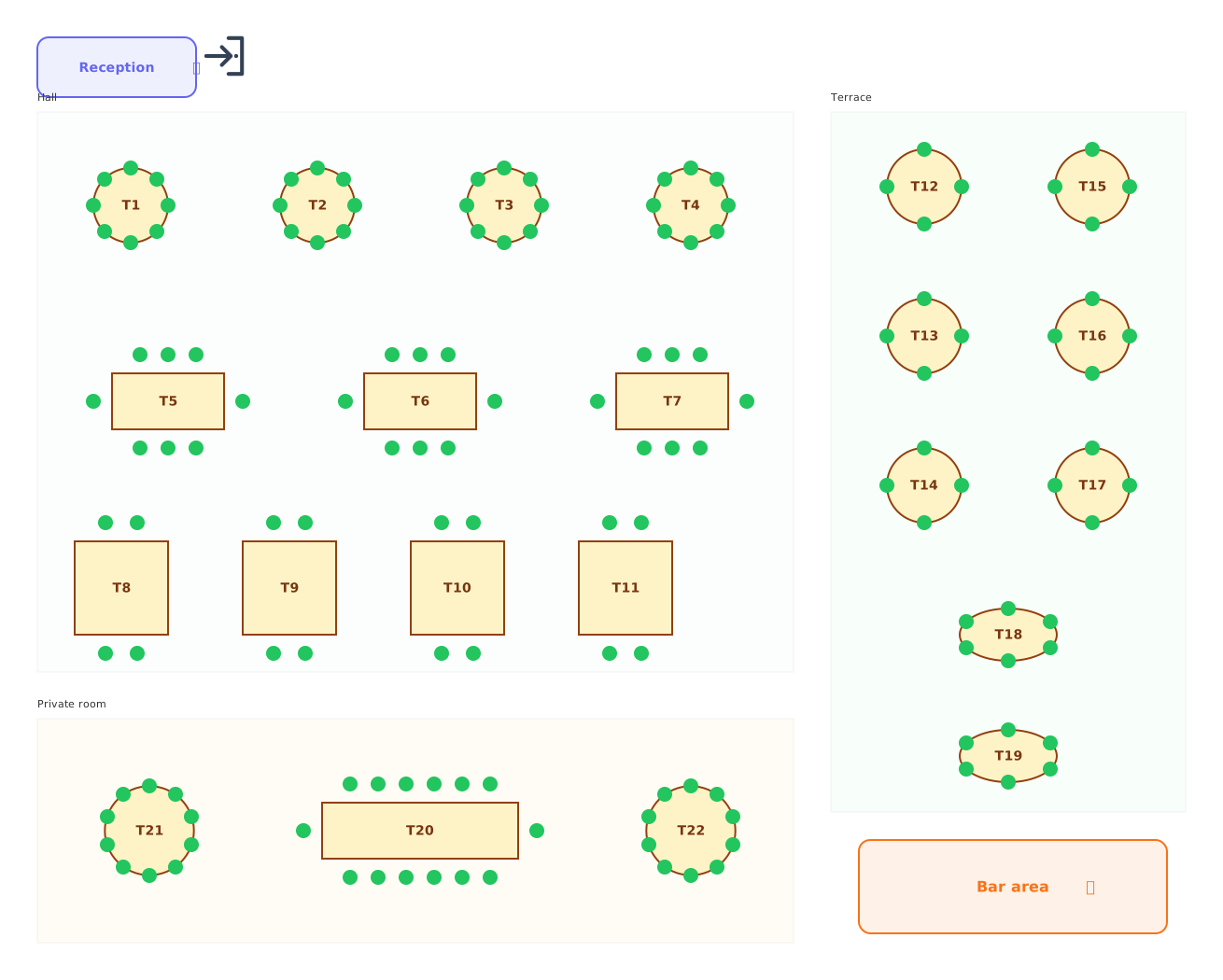 Restaurants
Tables of every shape with numbered chairs.
Restaurants
Tables of every shape with numbered chairs.
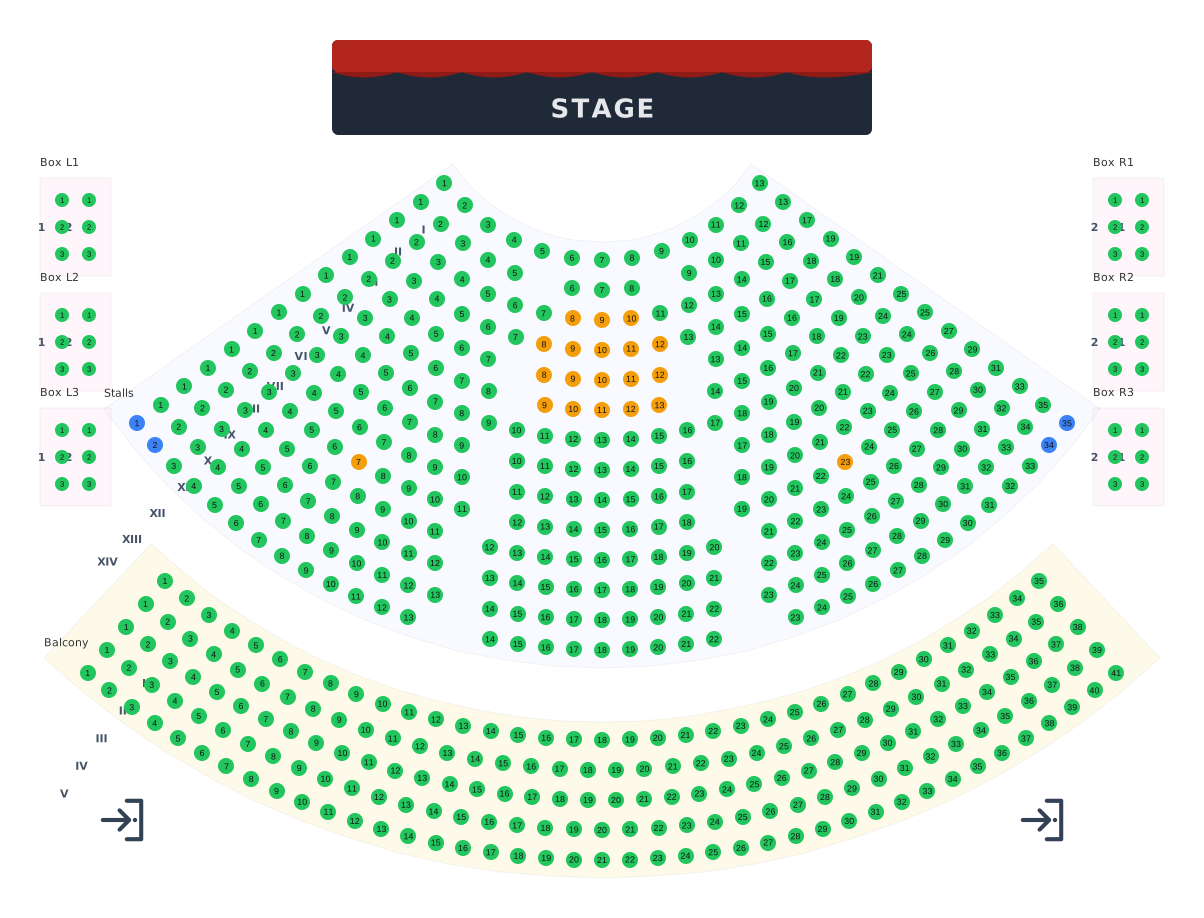 Theatres
Stalls, balcony and boxes around the stage.
Theatres
Stalls, balcony and boxes around the stage.
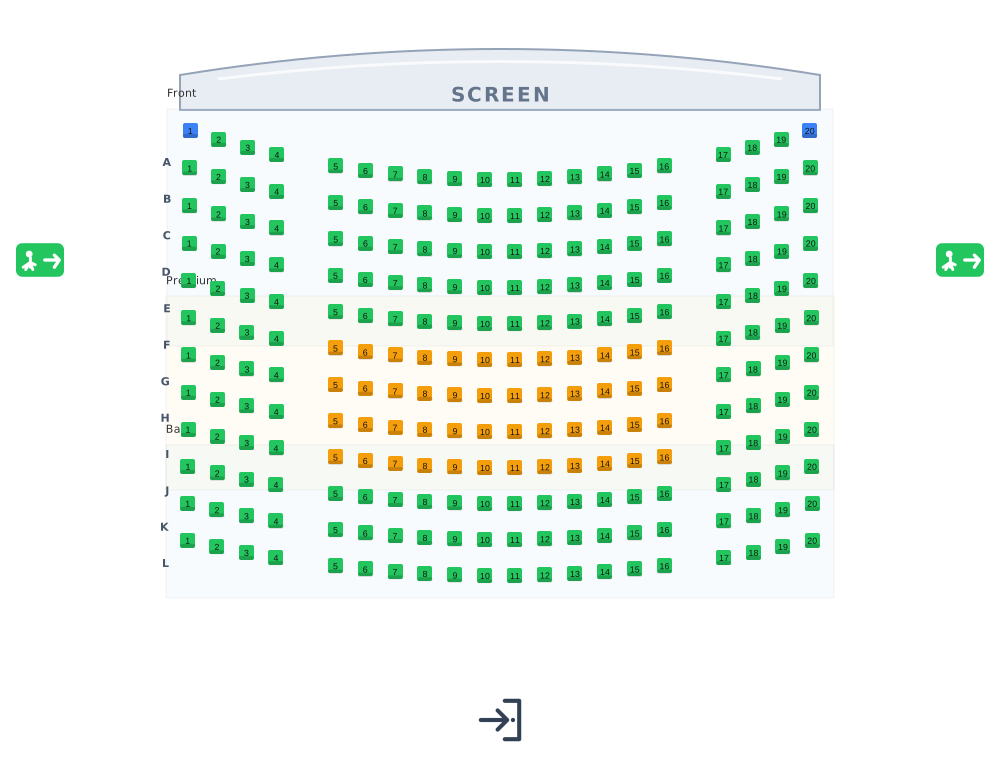 Cinemas
Lettered rows facing the screen.
Cinemas
Lettered rows facing the screen.
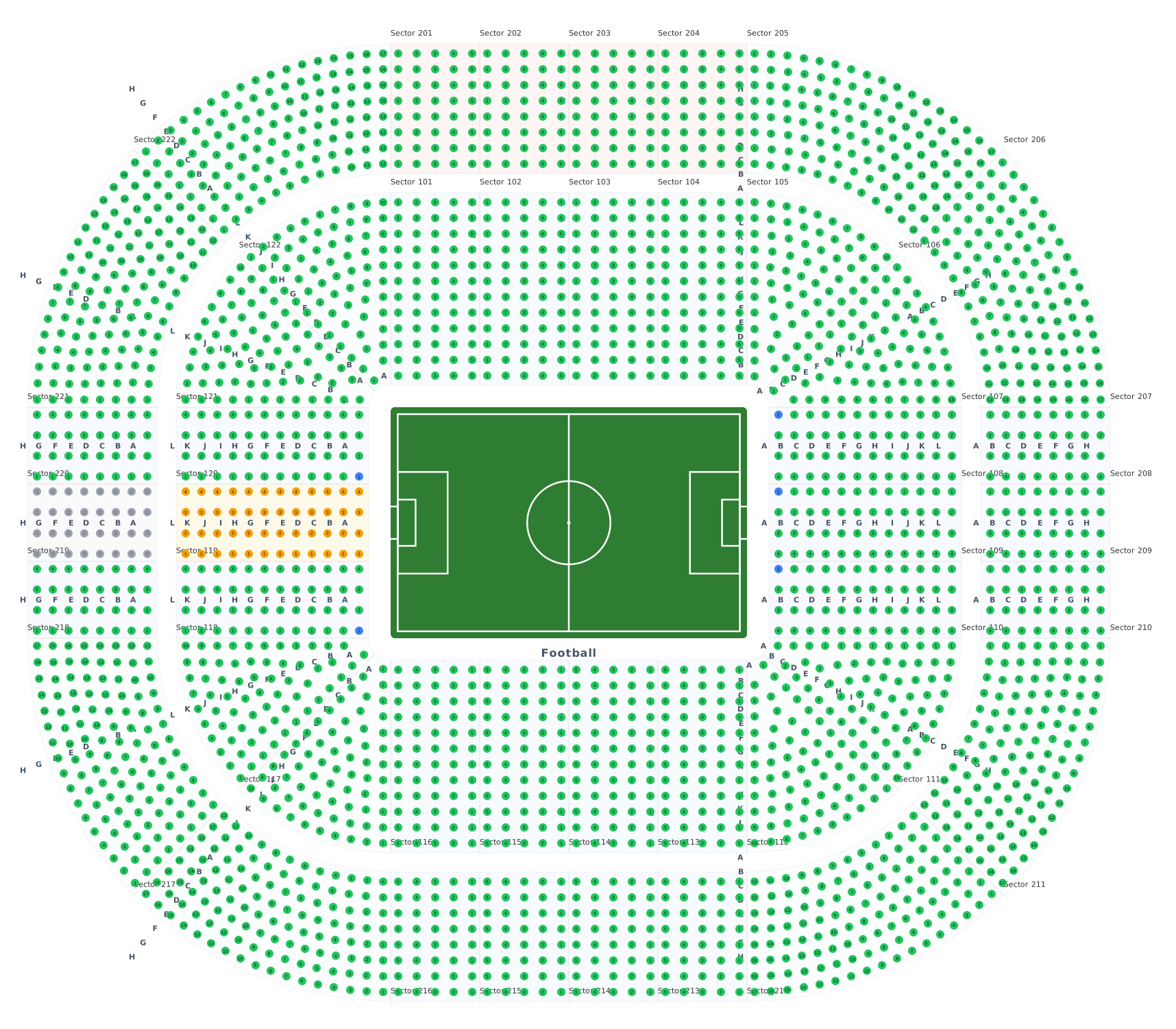 Stadiums & arenas
Stands around 8 ready sport courts.
Stadiums & arenas
Stands around 8 ready sport courts.
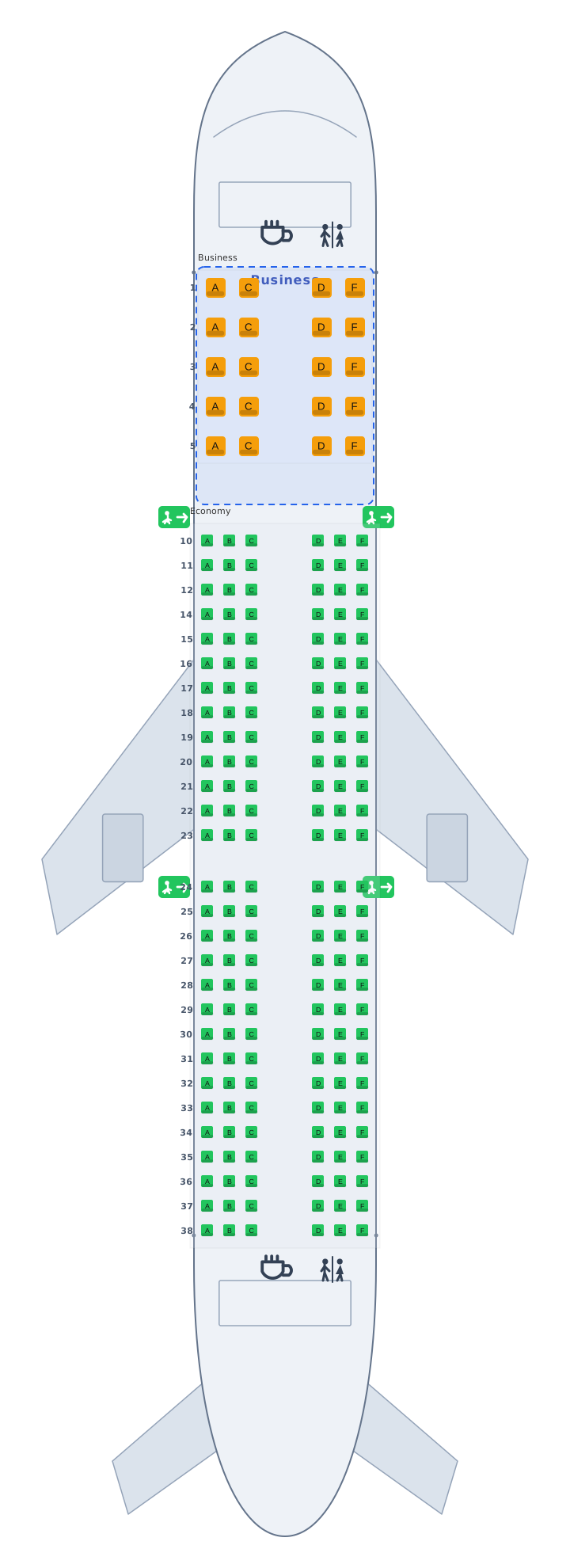 Transport
Airplane, train and bus cabins, seat 12A.
Transport
Airplane, train and bus cabins, seat 12A.
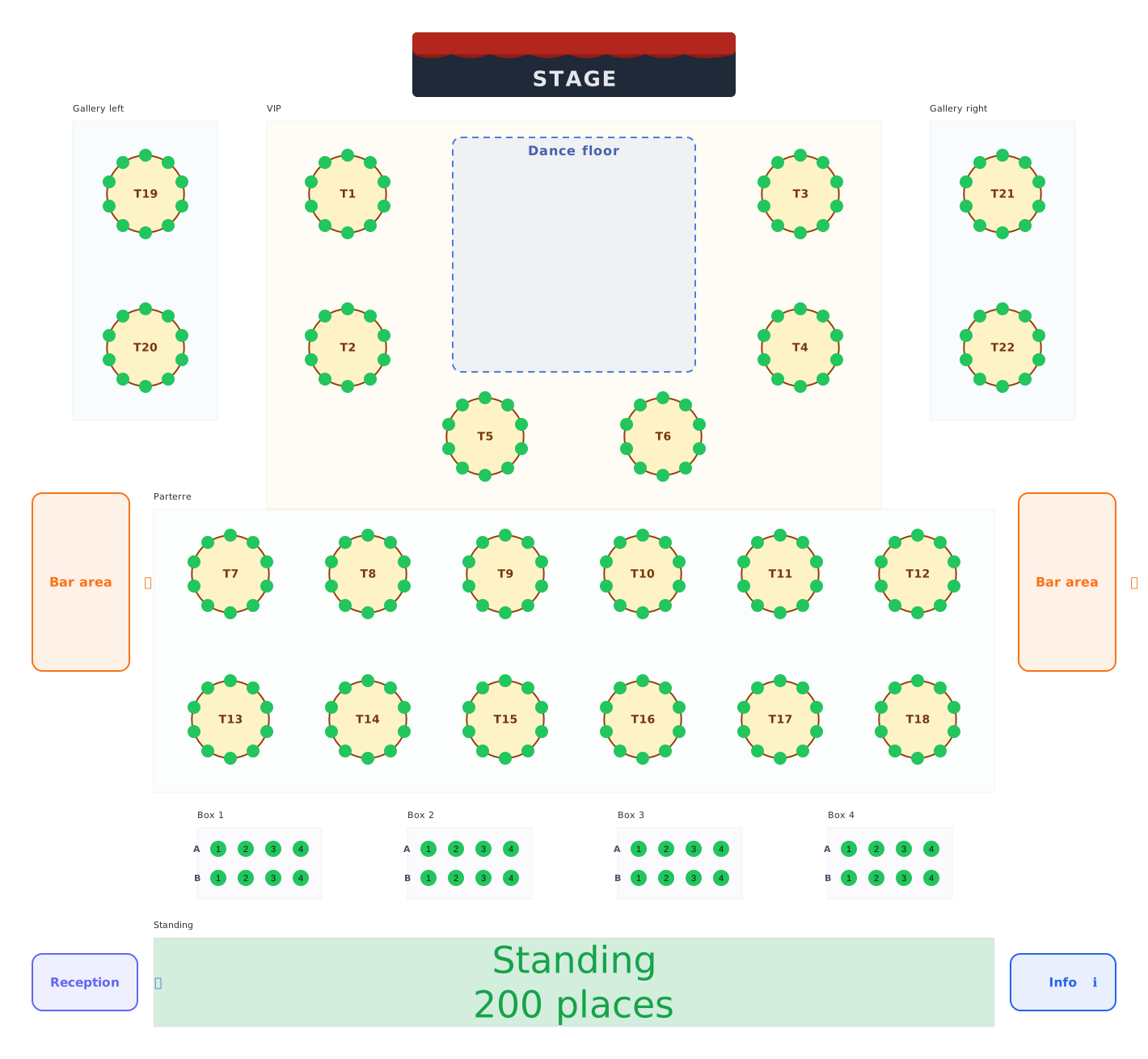 Balls & galas
Balls, galas and festivals: tables, boxes and standing areas.
Balls & galas
Balls, galas and festivals: tables, boxes and standing areas.