
Stadiums & arenas · seat planner
Stadium and arena plans around the field
Pick the sport, get the court drawn to scale, then add stands on every side: north, south, east, west and VIP.
Free during the beta. Leave your email and we send you an invite to register.
Built for stadiums & arenas
8 sport courts
Football, basketball, volleyball, handball, rugby, American football, water polo and tennis.
Stands on every side
Sections named North, South, East, West or VIP, each numbered on its own.
Thousands of seats
Fill large blocks with rows in one go and number them automatically.
How to make a stadium seating chart in seatorio
- 1
Pick the sport
Open the Stadium theme and choose one of eight courts: football, basketball, volleyball, handball, rugby, American football, water polo or tennis. The court is drawn in its real proportions.
- 2
Draw the stands
Draw a section for each sector around the field and fill it with rows of seats in one go. Curve rows at the corners and give upper tiers their own floor.
- 3
Number sectors, rows and seats
Name sectors 101, 102 or North, South, VIP; letter or number the rows from the pitch outward; number the seats. Each sector keeps its own scheme.
- 4
Mark and export
Set standing areas to sell by capacity, mark the press box and blocked seats not for sale, flag wheelchair places, then export the SVG and JSON for your ticketing.
What makes a stadium seating chart work
A stadium seat map is how thousands of fans choose where to sit, and how stewards send them to the right gate. It has to work at two zoom levels: the whole bowl, where a buyer picks a stand and a price, and a single sector, where they pick a row and a seat.
Start with the field. It is the one thing every fan recognises, so place the court first and build the stands around it. In seatorio the football pitch, basketball court and six others come ready as orientation anchors, and the plan always reads from the field outward.
Split the bowl into sectors that match your gates and turnstiles, not just the shape of the concrete. A sector should be a block a steward can point to, with aisles at its edges. Give each a clear name or number and a colour, and use categories such as VIP, Home, Away or Family where prices or access differ.
Plan the tiers. Lower and upper tiers often share a sector number pattern (101 below, 201 above). In seatorio each section can carry a floor name, and the canvas shows one level sharp while the others fade, so a two-tier bowl stays readable. The stadium seating chart template shows a full two-tier bowl with 44 numbered sectors around a football pitch.
Sector, row and seat numbering
Stadium numbering has three levels, and a fan's ticket needs all three: sector 114, row F, seat 22. Get any of them inconsistent between the map, the ticket and the signs in the stand, and the queue at the steward builds up.
In seatorio the sector is the section name, so it can be a number, a stand name or both. Rows inside each sector can be letters, numbers or roman numerals, starting from the pitch or from the back, and seats can run from the left, from the right or from both ends towards the centre. Each sector has its own scheme, so the away end can follow different rules from the main stand.
Corners and curved stands are where numbering usually breaks. Bend rows into arcs, then check that seat 1 sits at the end the stand signage expects. If one block continues the numbers of its neighbour, select the seats of a row and number them from the right start.
Lock numbering before the season ticket campaign. Each seat's uid is built from sector, row and number, so a renamed sector creates new ids for every seat in it.
What your ticketing system gets
seatorio does not sell tickets or run access control. It draws the arena seating plan and hands it to your ticketing platform. The SVG export makes every seat a clickable element with data attributes: a stable id, a uuid, its sector and a status. Each sector outline carries its name, its category and whether it sells per seat or by capacity, and the JSON export gives every seat its row, number and label.
A standing terrace or a fan zone is one section sold by capacity: the plan shows the area and how many places it holds, and the export marks it as a capacity section with that number. Your ticketing sells a quantity instead of seats.
The JSON export holds the whole stadium: sectors, categories, floors, rows, every seat with its uid and accessibility flags, and the press box or camera positions you marked not for sale. Large bowls are heavy: the Pro plan covers plans up to 5,000 seats and Business has no seat limit, as listed on the pricing page. For the integration itself, see how a seat map connects to online booking.
Who uses it
Football and basketball clubs selling season tickets and match tickets from their own website. Arena operators hosting several sports and concerts on the same floor. Ticketing companies onboarding new stadiums who need every venue drawn and numbered the same way. Federations and tournament organisers who move between venues each round. Smaller clubs too: a local football ground with one main stand and a standing terrace is drawn in an hour, and the same plan serves every home match of the season. Indoor arenas can keep one plan per setup, such as basketball, handball or a concert, and duplicate it from the plans list.
A stadium drawing is a big job. If you have it as CAD, PDF or only as signage photos, our done-for-you service returns every stand, row and seat numbered. Concert setups with a stage instead of a pitch work like theatre seating charts, and gala dinners on the arena floor like ball and gala plans.
Guides for stadiums & arenas
Done for you
Send us the stadium drawing and we return every stand, row and seat numbered.
Questions
Can I sell standing areas too?
Yes. A section can be sold by capacity instead of by seat: the plan shows the area and how many places it holds.
Is my sport missing?
Tell us which one. You can also draw any field yourself.
How many seats can one plan have?
The Free plan allows 300 seats, Pro up to 5,000 per plan and Business has no seat limit. During the beta everything is free.
Can upper and lower tiers be on one plan?
Yes. Give each section a floor name such as Lower or Upper, and the canvas shows one level at a time while the others fade.
Can each sector have its own numbering?
Yes. Every section has its own row and seat numbering, so sector 101 and the away end can follow different rules.
Can I mark the press box and wheelchair places?
Yes. Mark seats not for sale for the press box or camera positions, and flag wheelchair and accessible seats with a badge.
Can I import our CAD drawing?
seatorio does not import CAD or PDF files. You can trace over an image of the plan as a background, or send us the drawing and we build the plan.
Other spaces
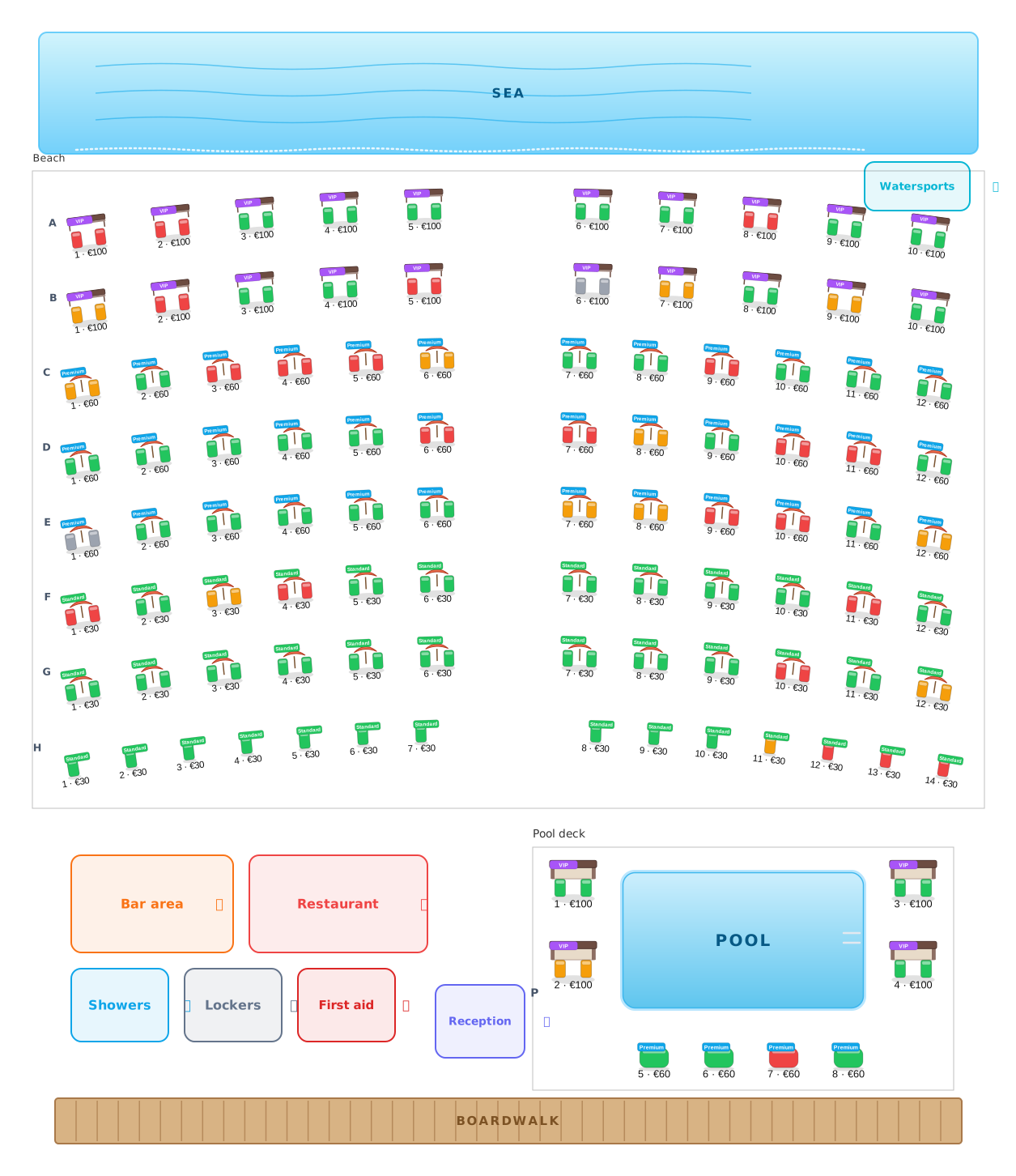 Beach clubs
Umbrellas, beds and cabanas, numbered and priced.
Beach clubs
Umbrellas, beds and cabanas, numbered and priced.
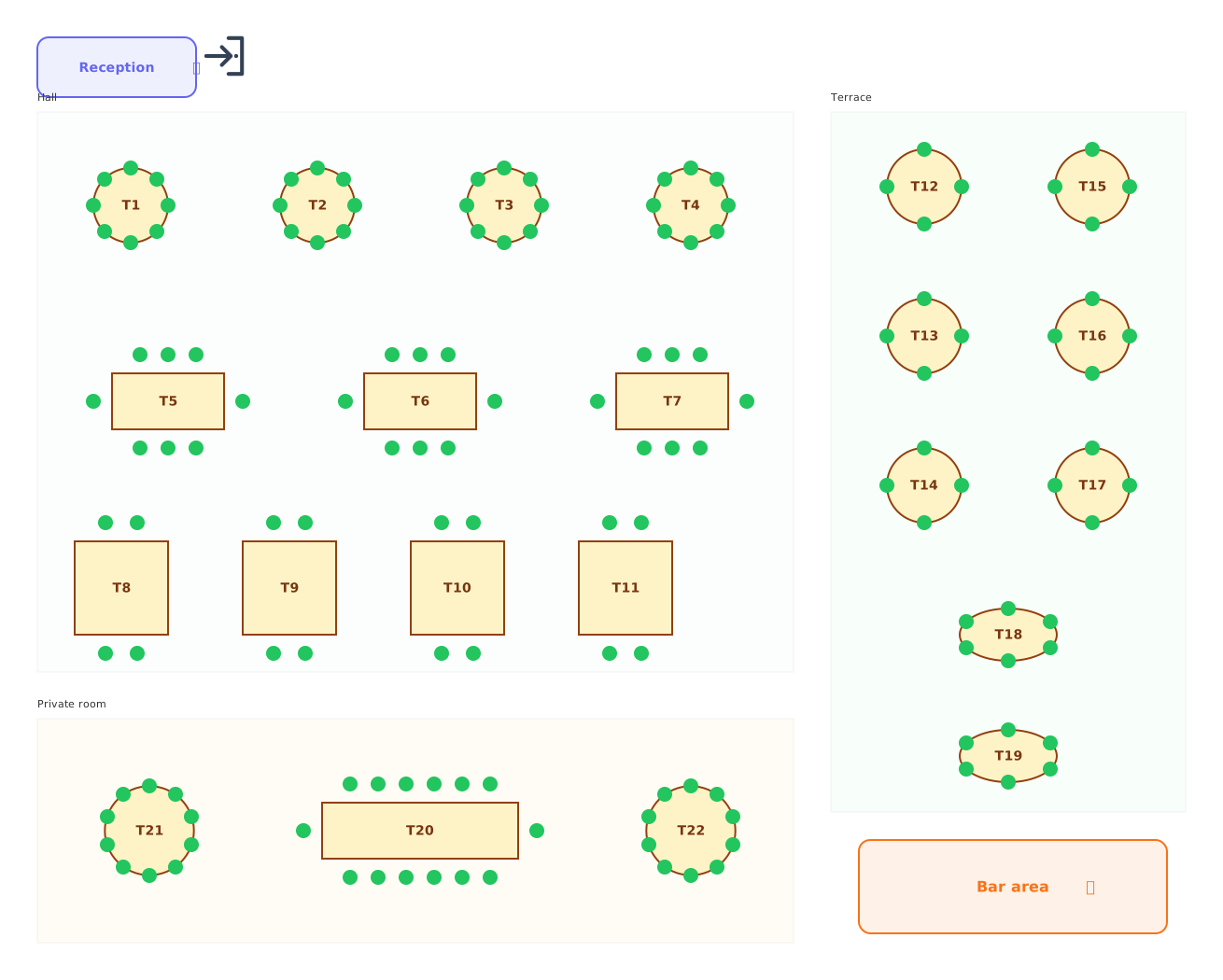 Restaurants
Tables of every shape with numbered chairs.
Restaurants
Tables of every shape with numbered chairs.
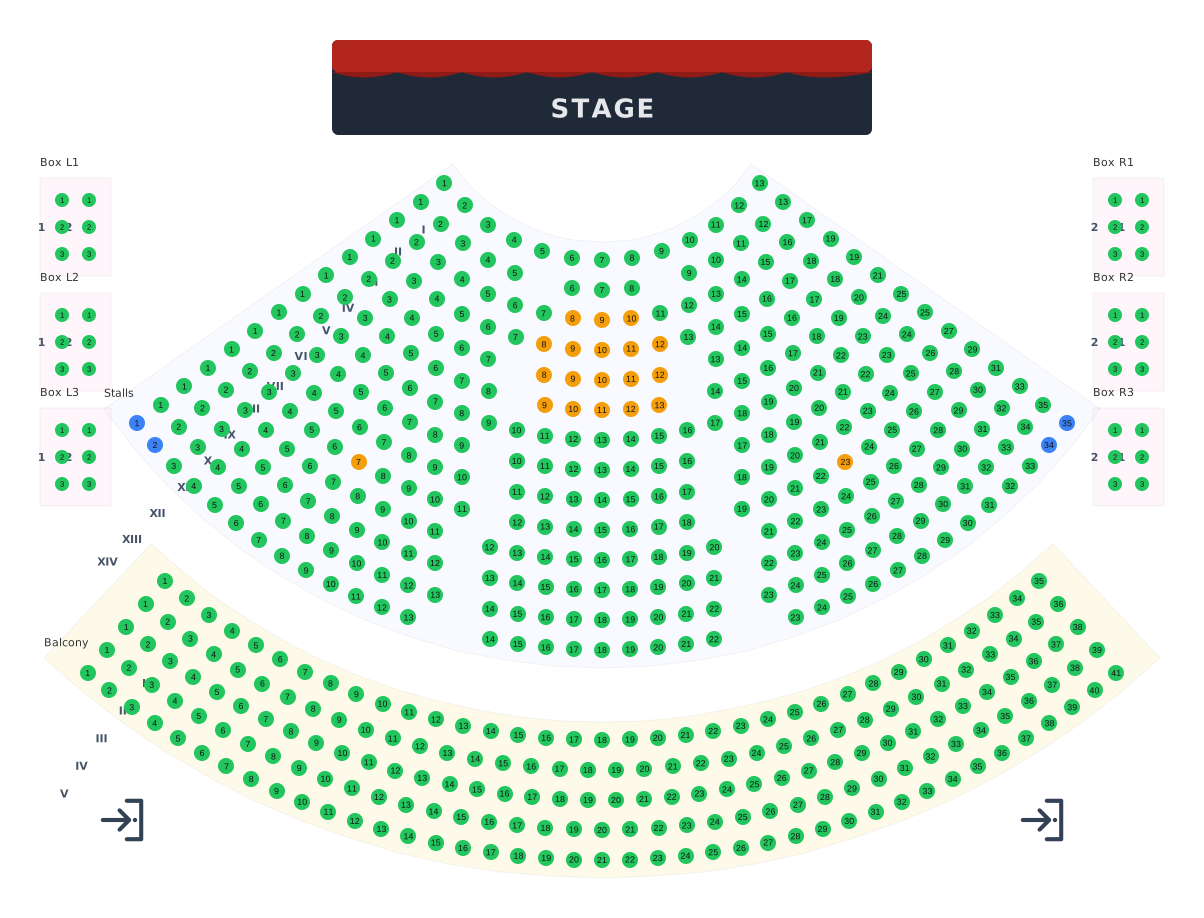 Theatres
Stalls, balcony and boxes around the stage.
Theatres
Stalls, balcony and boxes around the stage.
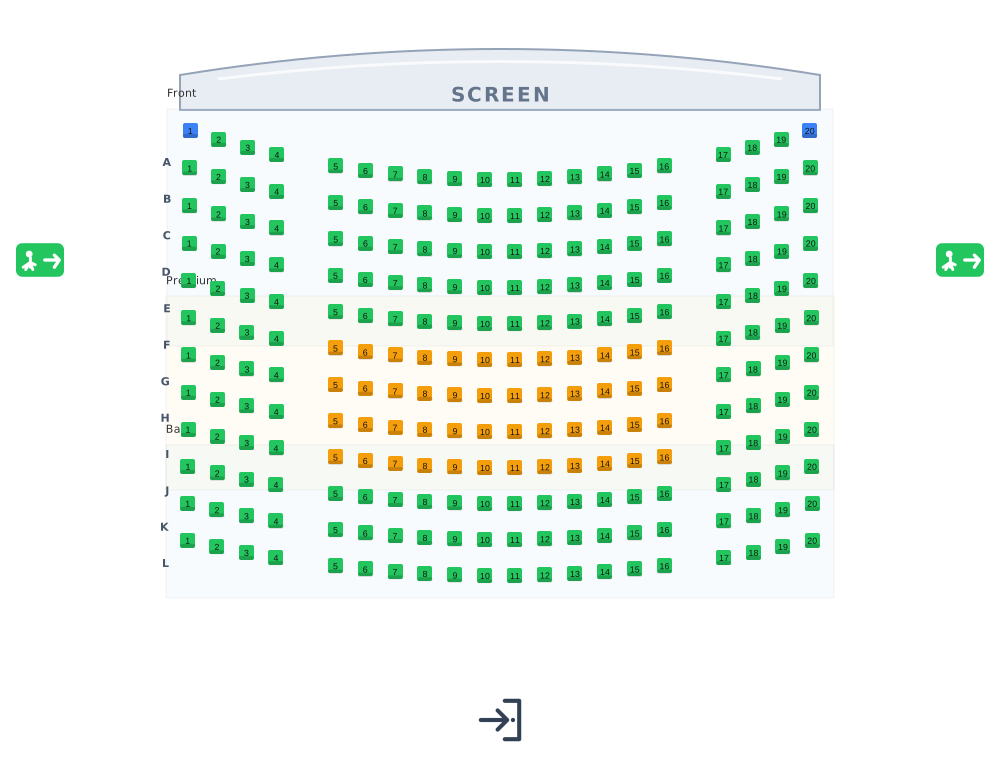 Cinemas
Lettered rows facing the screen.
Cinemas
Lettered rows facing the screen.
 Transport
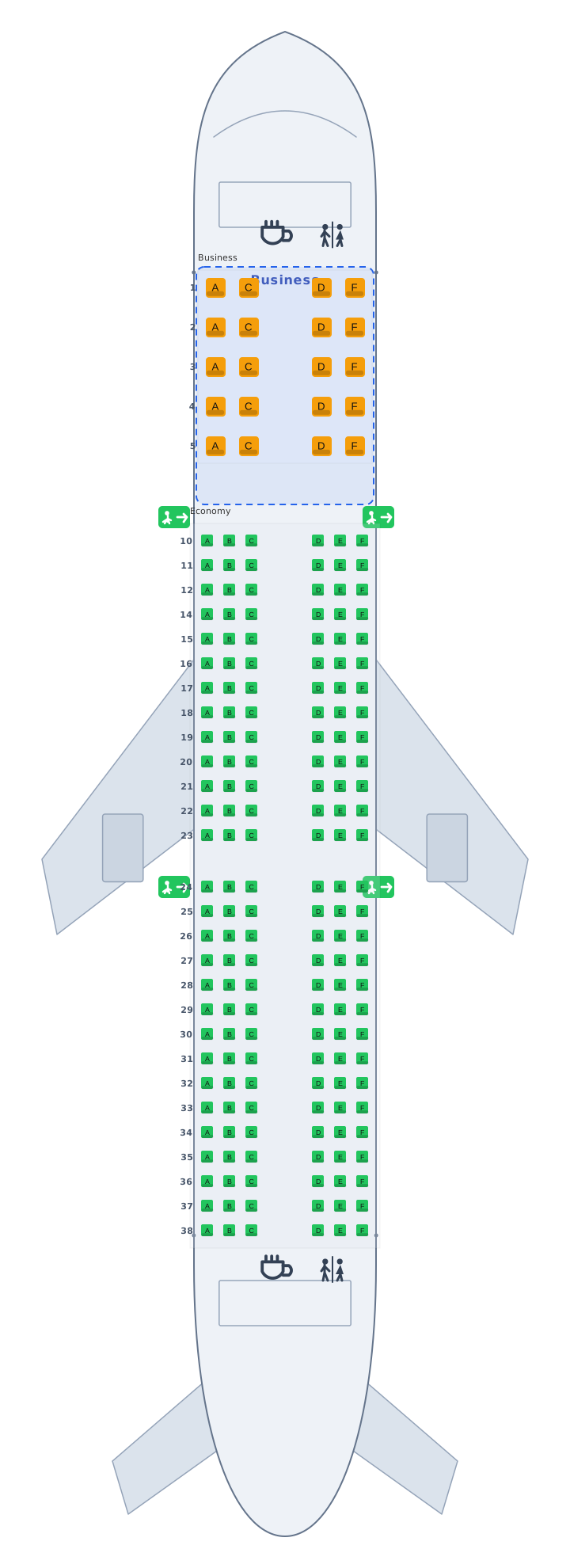
Airplane, train and bus cabins, seat 12A.
Transport
Airplane, train and bus cabins, seat 12A.
 Parking
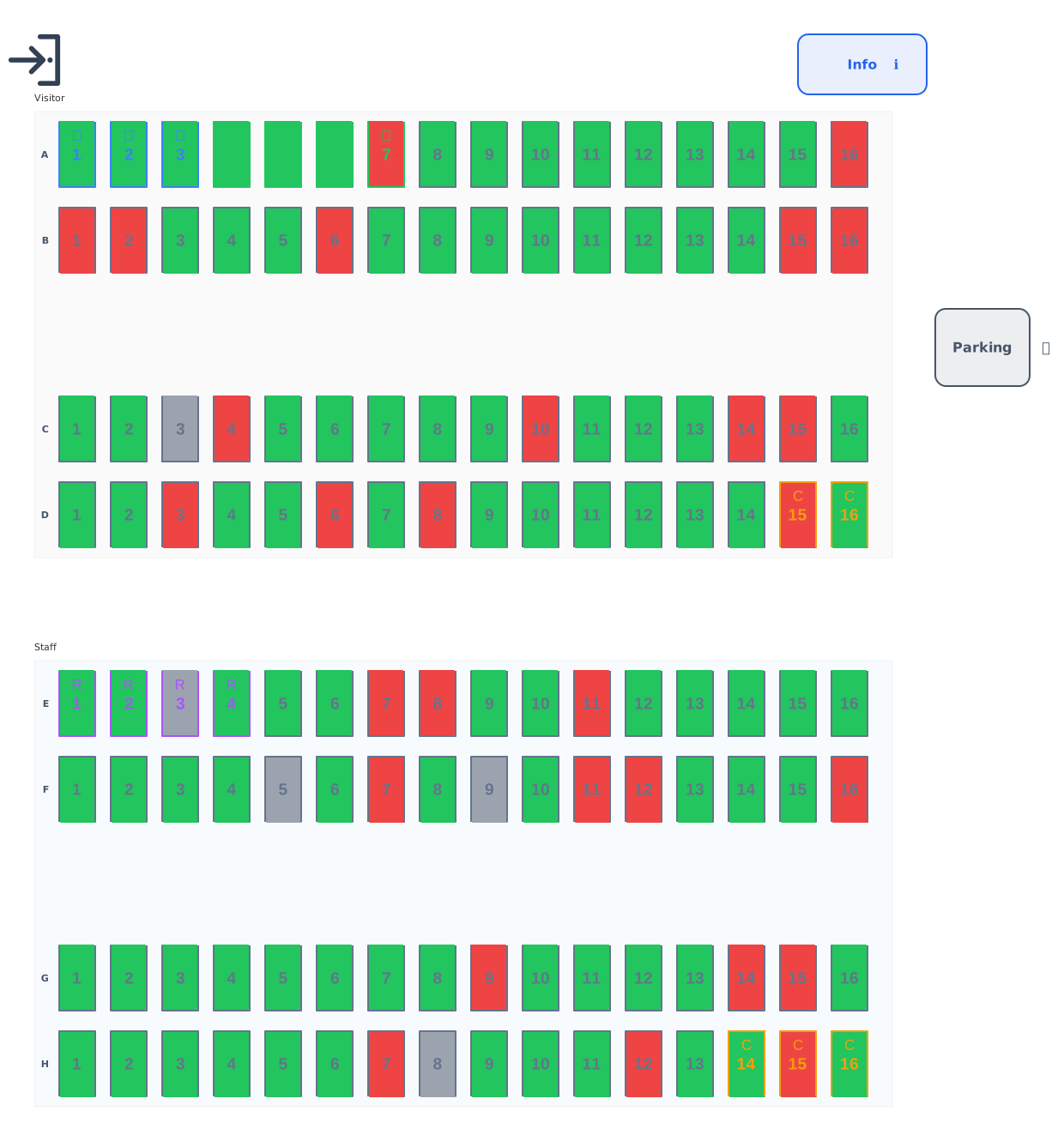
Standard, accessible, EV and reserved bays.
Parking
Standard, accessible, EV and reserved bays.
 Balls & galas
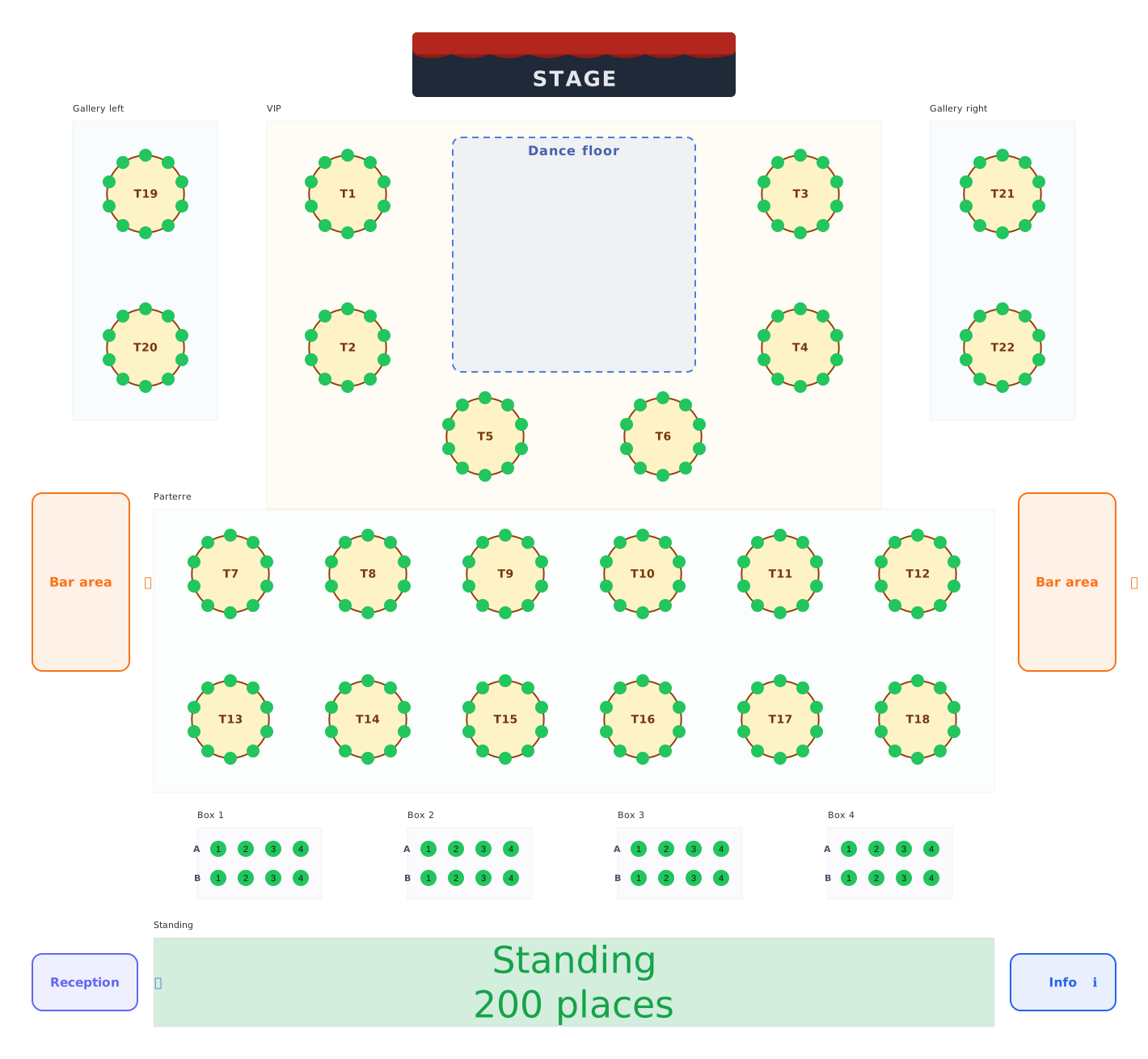
Balls, galas and festivals: tables, boxes and standing areas.
Balls & galas
Balls, galas and festivals: tables, boxes and standing areas.