
Transport · seat planner
Seat maps for airplanes, trains and buses
Choose the vehicle, get its body outline, and fill the cabin with seats numbered by row and letter.
Free during the beta. Leave your email and we send you an invite to register.
Built for transport
Airplane, train, bus
Ready vehicle bodies to lay seats in.
Row number, seat letter
Cabin numbering like 12A, 12B, 12C out of the box.
Square seats
Seats are drawn square, like a real cabin seat map.
How to make an airplane, bus or train seat map in seatorio
- 1
Choose the vehicle
Open the Transport theme and pick an airplane, train or bus. The body outline is placed upright, front at the top, ready to fill.
- 2
Lay out the cabin
Draw a section for each cabin or class and add rows of seats with an aisle gap. Duplicate a row to repeat a seat pattern down the cabin.
- 3
Number rows and letter seats
Rows are numbered and seats lettered by default, so seats read 12A, 12B, 12C. Give a row a custom label where your numbering skips one.
- 4
Mark the cabin and export
Add Business or Economy zones, exits, galleys, toilets and the driver, mark seats not for sale, then export the SVG and JSON.
What makes a clear vehicle seat map
A passenger choosing a seat wants to know four things: window or aisle, front or back, near the exit or the toilet, and which class they are in. A good seat map answers all four without a legend.
Draw the vehicle upright with the front at the top. That is how most booking screens show a cabin, and it lets the map fit a phone held vertically. seatorio's airplane, train and bus bodies come in this orientation, and seats are drawn square like the seat maps passengers already know.
Keep the aisle visible. In a 3-3 airplane cabin or a 2-2 bus, the gap between seat groups is what tells a passenger that C is an aisle seat. Lay each side as its own block or leave a clear gap in the row, and keep it straight through the whole cabin.
Mark what passengers ask about. Emergency exits, galleys, toilets, the driver's seat and no-smoking signs are ready icons in the Transport theme, and zones label areas such as Business, Economy, First class or Second class. The airplane seat map template shows a single-aisle cabin with a 2-2 business cabin, a 3-3 economy cabin and an over-wing exit row.
Seat numbering like 12A
Transport seat numbering combines a row number with a seat letter: row 12, seat A at the window. seatorio uses this as the default for the Transport theme, so a new cabin reads 12A, 12B, 12C without any setup.
Real cabins rarely number every row in sequence. Many airlines skip row 13, business and economy often start at different row numbers, and some leave letters out to keep A and F at the windows when a row has fewer seats. You can start each section at any row number, give any single row a custom label, and number one selected row from a chosen start. The airplane template, for example, runs economy from row 10 to 38 with no row 13.
Buses and trains often number seats 1 to 50 straight through instead. Switch the section's seat style to numbers and the row style to whatever your tickets show, or use one row per seat pair. For a train, draw each coach as its own section or plan, so coach 3 seat 45 is never confused with coach 4.
Whichever scheme you use, it is what goes on the boarding pass, so match it exactly. The seat uid in the export is built from the section, row and number.
What your reservation system gets
seatorio does not sell tickets or run seat reservations. It draws the seat map your booking flow shows. In the SVG export every seat is a clickable element with a stable id, a uuid, its section (the cabin or coach) and a status; the JSON export gives each seat its label, such as "12A".
Your developer reads a click on a seat and passes its id to the reservation system. When a seat is taken, the system switches its status and the colour changes. Seats you mark not for sale, such as crew seats or a broken seat, show grey with a cross on the plan and are flagged in the JSON so the system can skip them.
The JSON export holds the whole layout, from cabins and rows to every seat with its uid and flags, and it can be imported back into seatorio to make a variant of the same vehicle. For the integration steps, read how a seat map connects to online booking.
Who uses it
Bus and coach operators adding seat choice to their online tickets. Rail operators and tour train companies with a few coach types to map. Charter airlines and travel agencies who need a seat map for a specific aircraft. Booking software companies who sell to transport operators and need each fleet type drawn. Tour operators who charter a coach for a trip and want guests to pick their seat in advance, with the seat number printed on the itinerary.
Most fleets have only a handful of layouts. Draw one, then duplicate the plan from your plans list for each variant. If you have the layouts only as diagrams or photos, our done-for-you service delivers each seat map. Plans and limits are on the pricing page.
A ferry lounge or an event bus with tables can borrow from the restaurant table plans, and park-and-ride sites can map their bays with the parking lot layout.
Guides for transport
Done for you
Send us the vehicle’s seat layout and we deliver the seat map.
Questions
Can I mark seats that are not for sale?
Yes. Mark a seat as not for sale (broken, blocked or held for crew) and it shows with a ✕ on the plan.
Can I mark toilets and exits?
Yes. WC, emergency exit, galley, driver and no-smoking icons can be placed anywhere on the plan.
Can I skip row 13?
Yes. Start a cabin at any row number and give single rows a custom label, so the row after 12 can be 14.
Can a bus use plain seat numbers instead of 12A?
Yes. Rows and seats can each be numbers, letters or roman numerals, so a coach can number its seats 1, 2, 3 straight through.
Can I show business and economy on one map?
Yes. Make each class its own section and add labelled zones such as Business, Economy, First class or Second class.
Do you have my exact aircraft or bus model?
The editor has one generic airplane, train and bus body. You lay the seats inside it to match your vehicle, or send us the layout and we draw it.
Does seatorio handle seat reservations?
No. seatorio draws and numbers the seat map; your booking system handles reservations and switches seat statuses on the exported map.
Other spaces
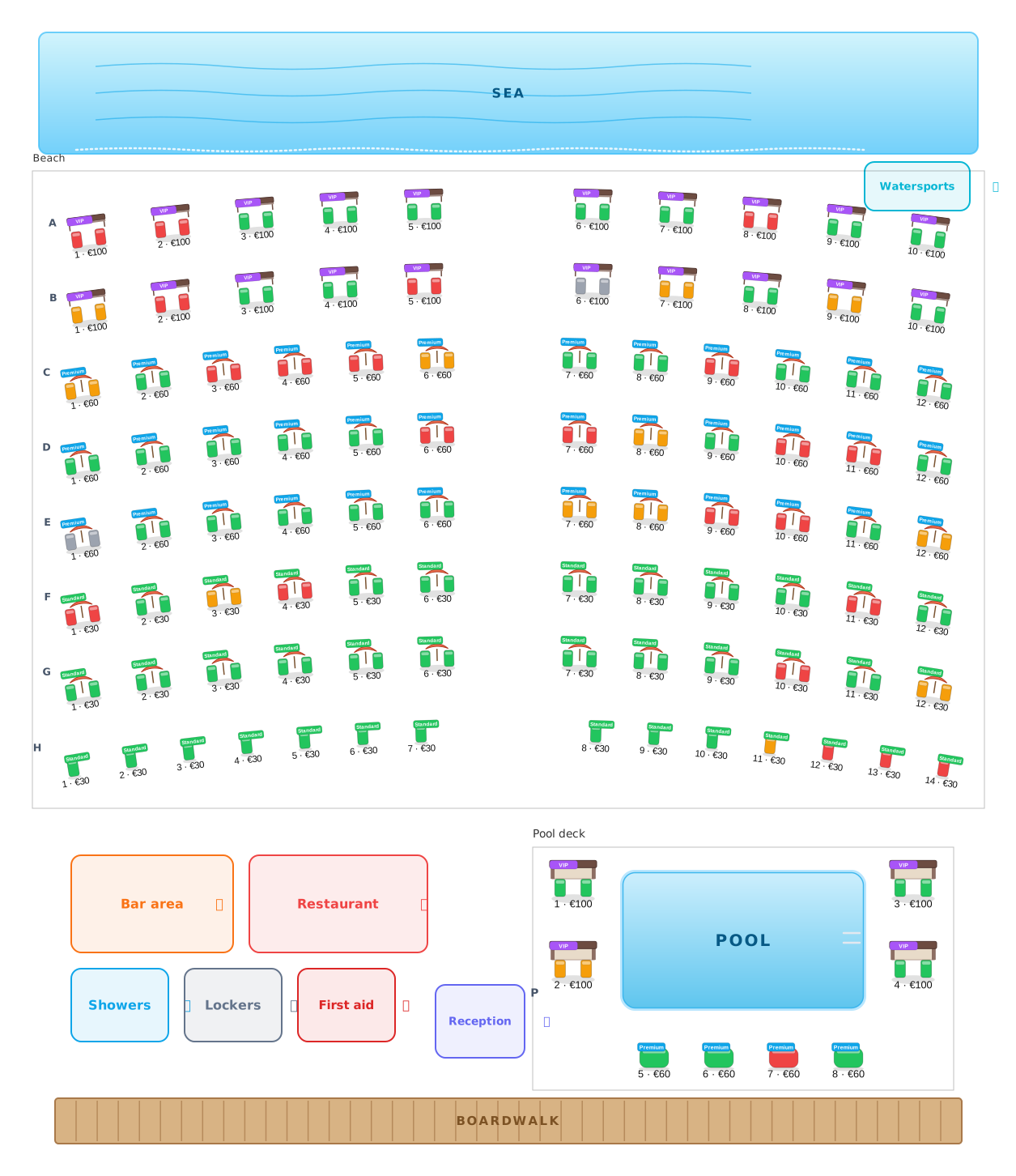 Beach clubs
Umbrellas, beds and cabanas, numbered and priced.
Beach clubs
Umbrellas, beds and cabanas, numbered and priced.
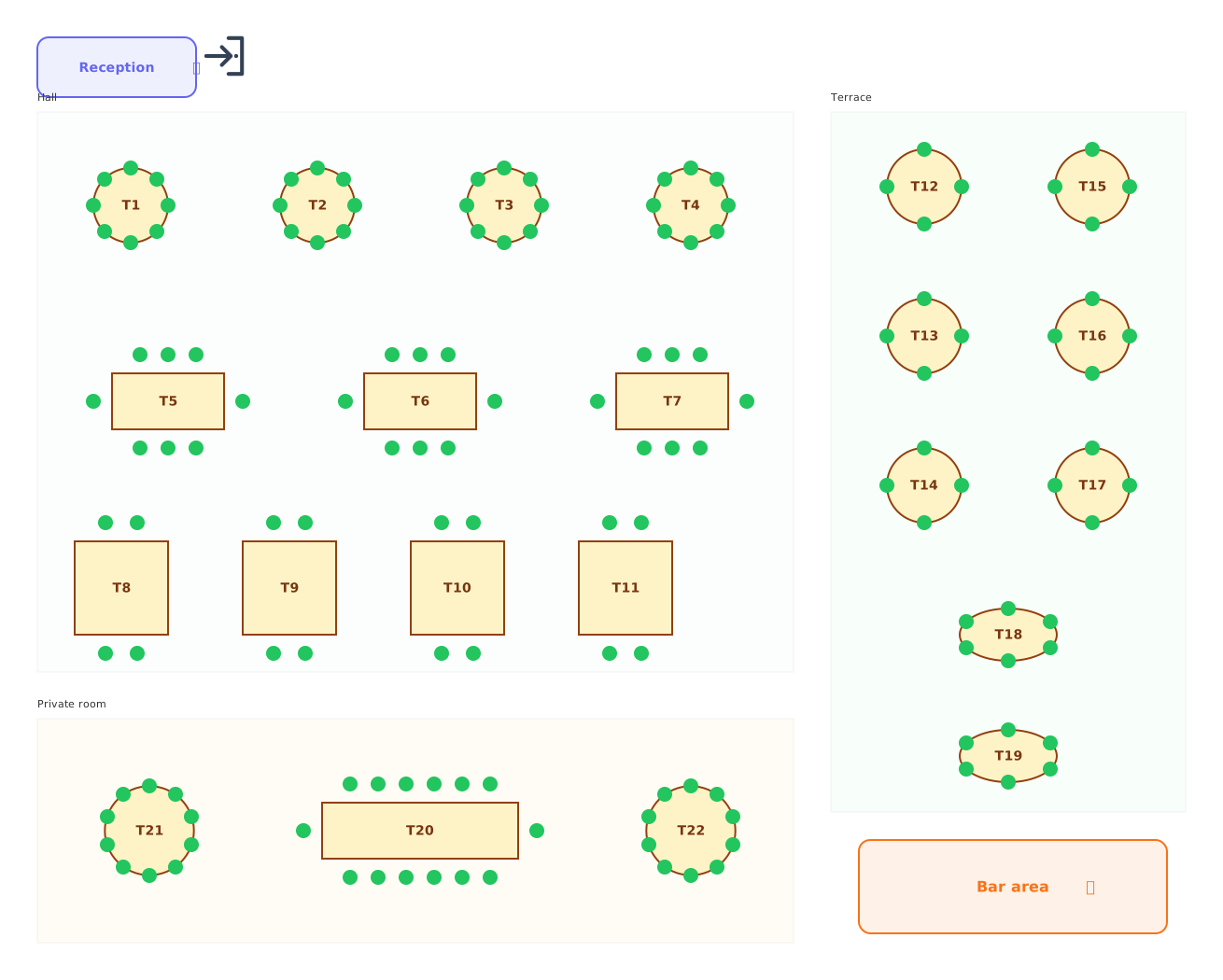 Restaurants
Tables of every shape with numbered chairs.
Restaurants
Tables of every shape with numbered chairs.
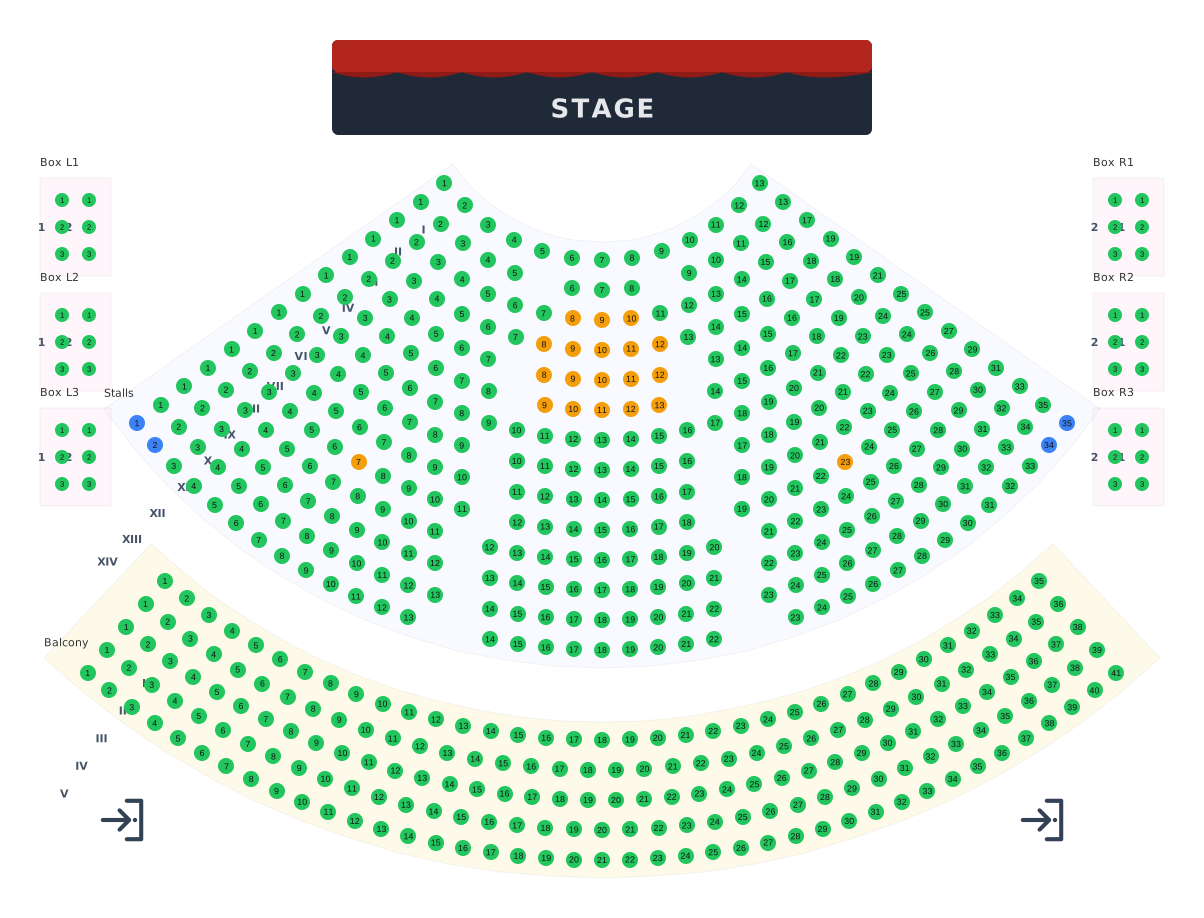 Theatres
Stalls, balcony and boxes around the stage.
Theatres
Stalls, balcony and boxes around the stage.
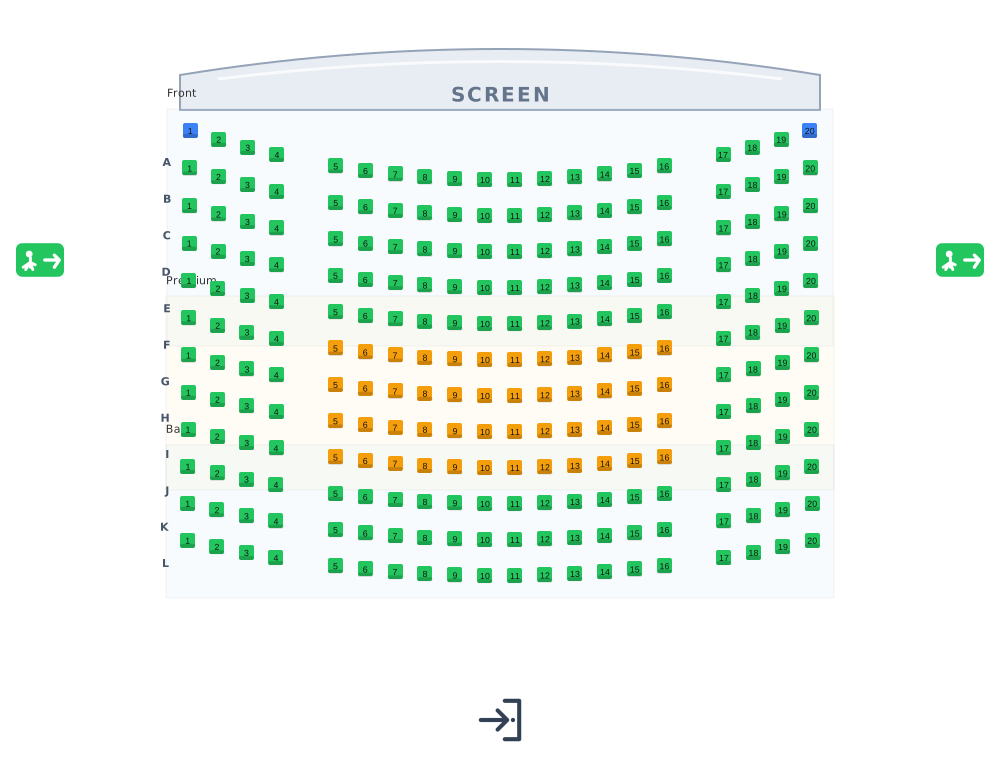 Cinemas
Lettered rows facing the screen.
Cinemas
Lettered rows facing the screen.
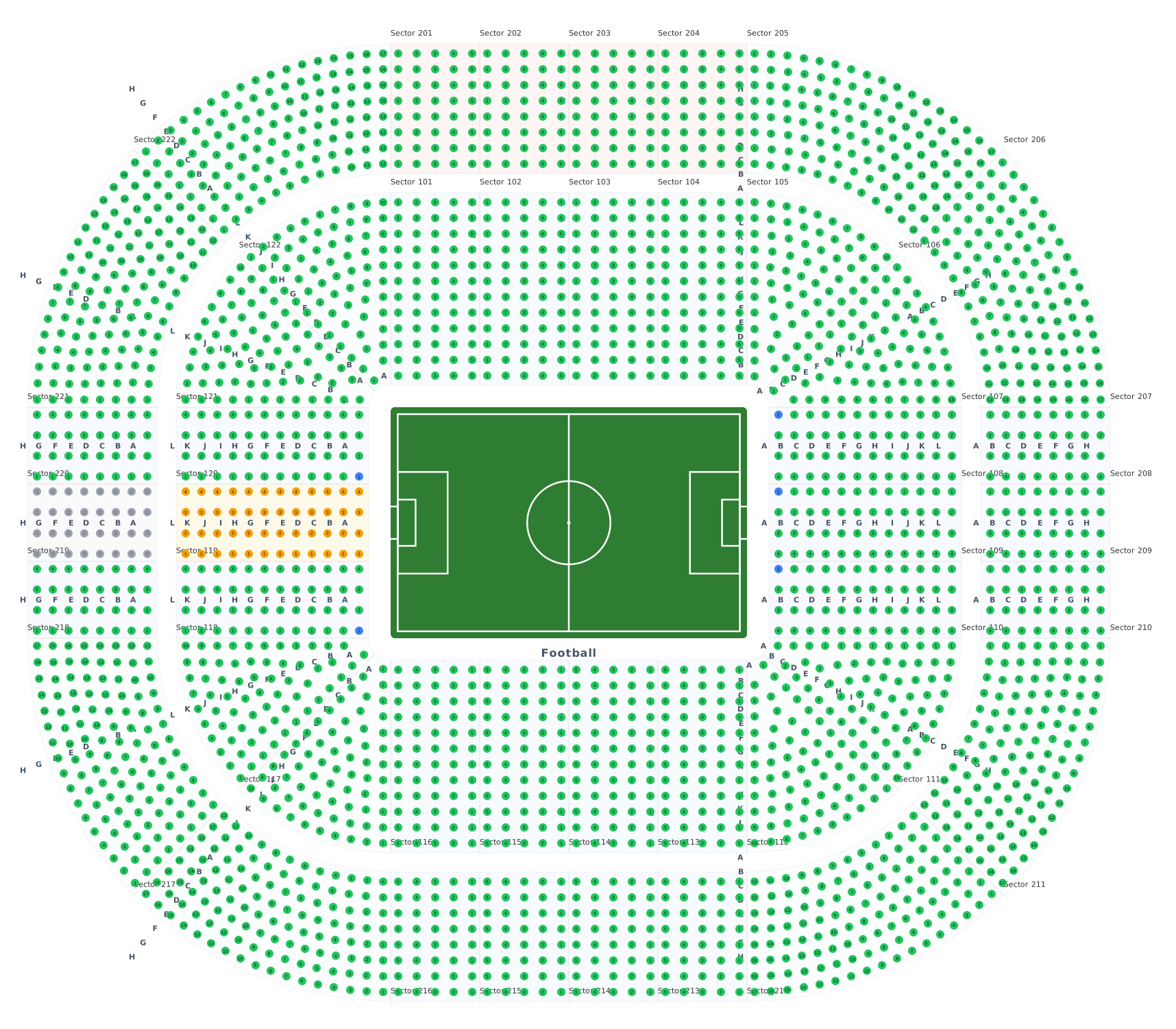 Stadiums & arenas
Stands around 8 ready sport courts.
Stadiums & arenas
Stands around 8 ready sport courts.
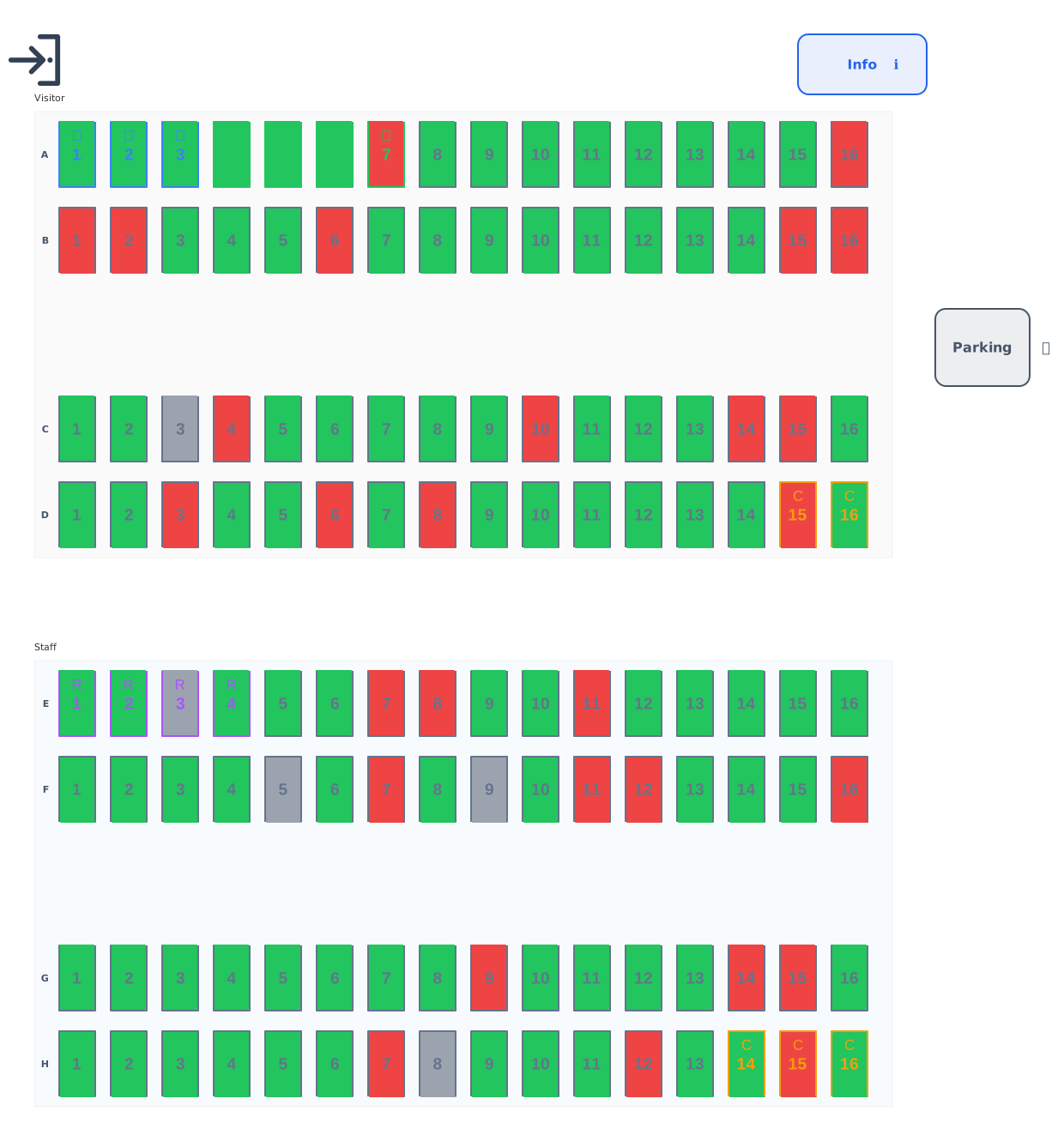 Parking
Standard, accessible, EV and reserved bays.
Parking
Standard, accessible, EV and reserved bays.
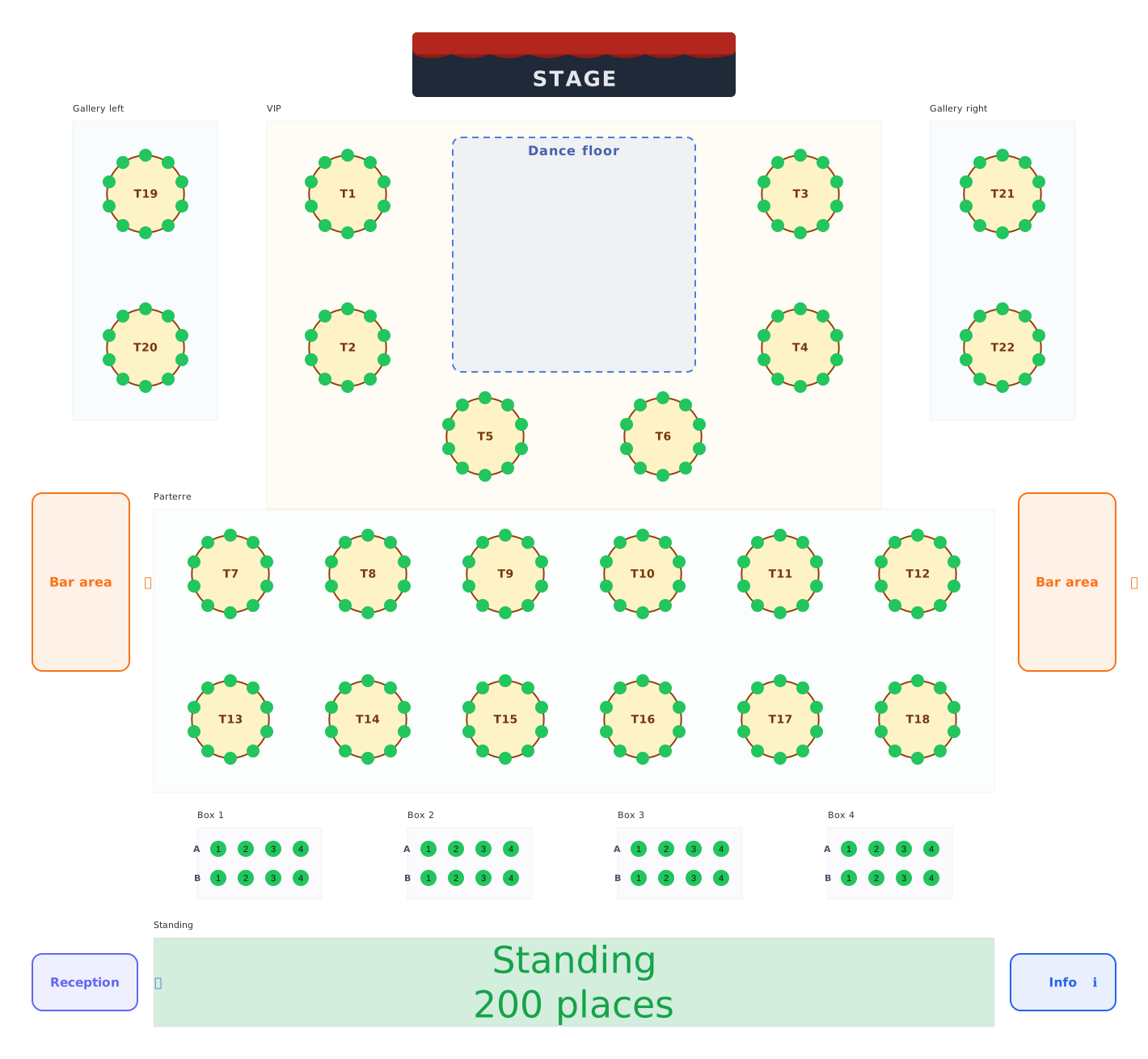 Balls & galas
Balls, galas and festivals: tables, boxes and standing areas.
Balls & galas
Balls, galas and festivals: tables, boxes and standing areas.